

About Geometry Vibes 3D
Geometry Vibes 3D — online rhythm runner
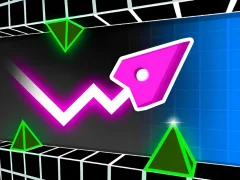
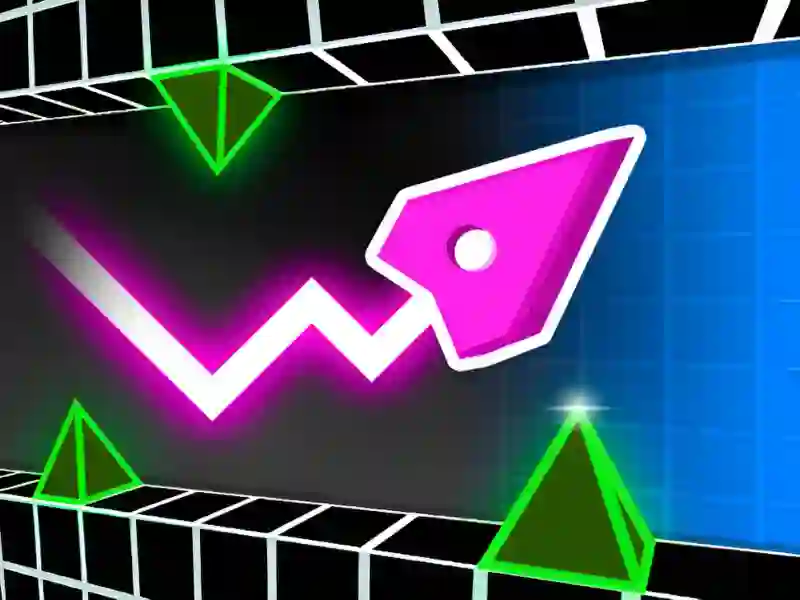
Geometry Vibes 3D is a rhythm platformer with reaction-based gameplay. You control an arrow avatar through neon 3D tunnels. Every jump and dodge has to sync with the music. The jumping mechanics are similar to Geometry Arrow, but this one adds full 3D graphics, a star collection system, and leaderboard mode. The game is available on PC, smartphones, and tablets. It’s perfect for a quick break.
Jump to the tunnel beat
You race forward automatically along a neon track. You jump, dodge spikes, and collect stars. Everything is synced to a pulsing soundtrack — the music sets the pace, not just the background. In Classic Mode, 30 levels are split into Rookie, Pro, and Expert: 10 levels each. Geometry Dash inspired the mechanics, but here the sense of scale and depth feels different. You see the tunnel walls at an angle and react to obstacles earlier. The reaction tag isn’t just a word here — the first 3 levels feel slow, but from level 4 onward the pace ramps up fast. A similar rhythm game structure can be found in Space Waves — that one also uses one-button controls.
Reach the wormhole
The goal in each level is to reach the wormhole at the end of the track. You touch the white and gray floor and ceiling surfaces. You avoid colored obstacles. Along the way, collect all 3 stars in the level — they unlock skins in the Market.
Stars, skins, and global rankings
90 stars are spread across all Classic Mode levels — 3 per level. You spend stars in the Market: arrow skins, 3D trails, visual effects. Endless Mode never ends: the speed increases, obstacles get tougher, and your score goes onto the global leaderboard. Fans of endless runs often choose Geometry Vibes X-Ball for its similar endurance-running mechanics.
For rhythm and reflex fans
This game is great for fans of rhythm runners and arcade games with precise timing. A beginner can figure it out in 2 minutes on Rookie. An experienced player will find a challenge in Expert and Endless. A short session is one run of 3 minutes. A longer one means clearing all 30 levels and collecting all 90 stars. Players who love 3D tracks and competitive mode often switch to Geometry Rush 4D.
First-run strategy
- Start with Rookie. Learn the spike and wall patterns until they become muscle memory.
- Listen to the music — the beat signals the jump timing more accurately than the visuals.
- On your first run, don’t chase stars. Just make it to the finish.
- After your first clear, replay the level — this time collect all 3 stars.
- Use Endless Mode as a reflex training tool between Classic levels.
- Don’t spend stars on the first skin you unlock. Save up 30–40 — the best option will unlock.
The first 3 attempts on Expert almost always end on spikes in the middle of the level — that’s normal, the patterns there are unusual.
- Jump the moment the beat drops — not earlier, not later. Early jumps on Ex Expert levels usually fail.
- Collect stars in Classic Mode in order: first all 10 Rookie levels, then Pro. That way stars build up faster for the Market.
- In Endless Mode, don’t try to outrun the speed. React to the pattern, not the overall pace — that gives you more distance.
Launch Geometry Vibes 3D right now — free, no download needed on PC, smartphones, or tablets, прямо in your browser!