

Ghost Maze Escape: Ghosts and Exit
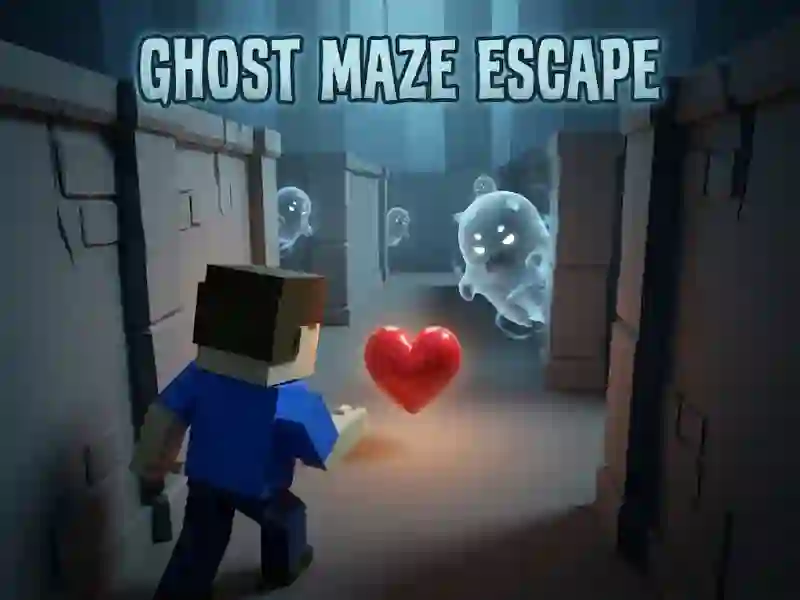
In Ghost Maze Escape, you lead the hero through a maze and look for a way out. One touch from the ghost takes you back to the beginning, so you have to change your route on the fly. It's an adventure with short runs and precise movement.
How to get through the first corridor
Move through the maze and remember the turns. At forks, ghosts break the race with one encounter. Hearts give you a chance to clear the way and not waste your attempt. What is important here is not acceleration, but a clean line to the door.
How to open the exit?
The exit opens when you find all the keys. Hearts free ghosts and make the corridor clearer, so they are worth taking before the next turn. If the passage is blocked, go back to the fork and check another route.
How to make your own labyrinth
Open the editor and arrange the start, exit and ghosts. Then add more levels to make the diagram longer. Copy the code and store the finished version separately from the regular run. Ghosts that return you to the start - familiar from Ghost Escape 3D.