

Mall Escape: Backrooms Files - escape from the mall by sound
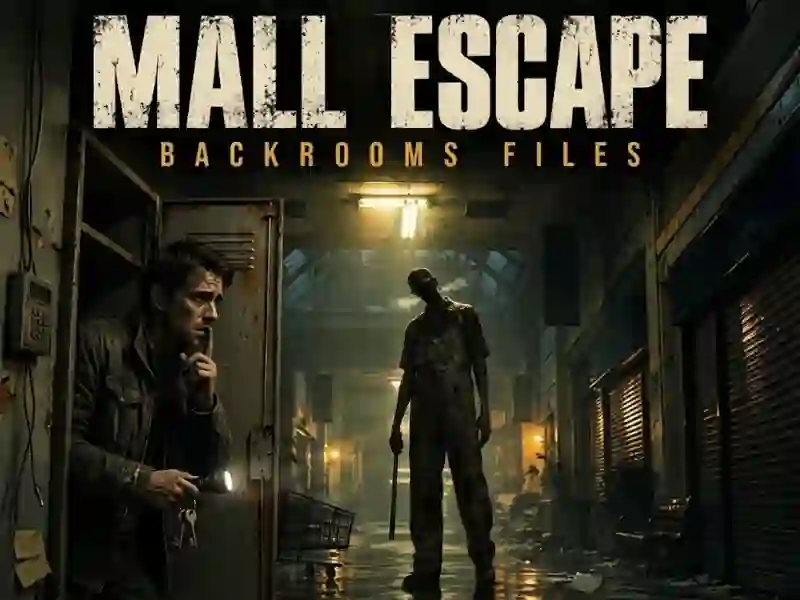
Mall Escape: Backrooms Files puts you in an abandoned shopping mall from a first-person perspective. The caretaker follows the sound, so you turn off the flashlight, crouch down and carefully look for a way out. This is a quest with keys, code panels and notes.
How to start an escape
- Walk quietly, because the Warden hunts by sound.
- When you hear a whistle, hide in the lockers.
- Collect the keys and restore power.
How not to give yourself away in the corridors
Running makes noise, and this immediately interferes with stealth. If you hear a whistle nearby, it is better not to check the corridor. The flashlight also gives you away, so you have to turn off the light on time.
Where does the signal go after power?
Notes help you find codes for panels and open new passages. After power is restored, you follow the signal to Westbrook's house in the second chapter. Codes on the panels translate the escape into puzzles. The goal remains the same - escape from the complex.