

Just Another Alien Invasion: planet strikes and missile defense
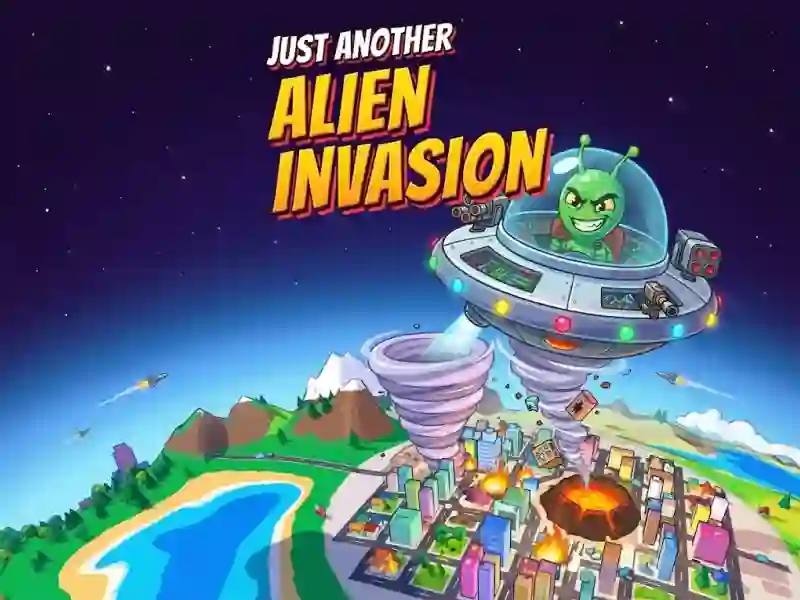
In Just Another Alien Invasion, you control a small alien in a flying saucer and destroy a tiny 3D planet layer by layer. This is one of those fun and crazy arcade games where meteors, tornadoes, black holes and a beam help you get to the core while the city turrets and military base respond with homing missiles.
How to start breaking through the bark
- Tap or click on the planet to shoot.
- Pull the planet to rotate it and choose which side to hit.
- Hit one place without interruption to get to the core.
Why are missiles more dangerous than turrets?
The city's turrets fire homing missiles, and the military base is manned by soldiers, tanks, and anti-aircraft guns. Destruction in layers works here, but it is better to shoot down the missiles right away while the shield is intact. The same calculation of destruction is needed in Solar Smash: there it is also important to finish off the target with a series of precise blows.
How to open Planet Destroyer?
The Planet Buster is unlocked after you destroy all the cities. There is a second way: to pierce the core three times and destroy the entire planet at once. New types of weapons appear in the bottom panel as they open, and incoming missiles must be clicked on before they knock down the shield.