

Ragdoll Arena: Physics Attacks and Bosses
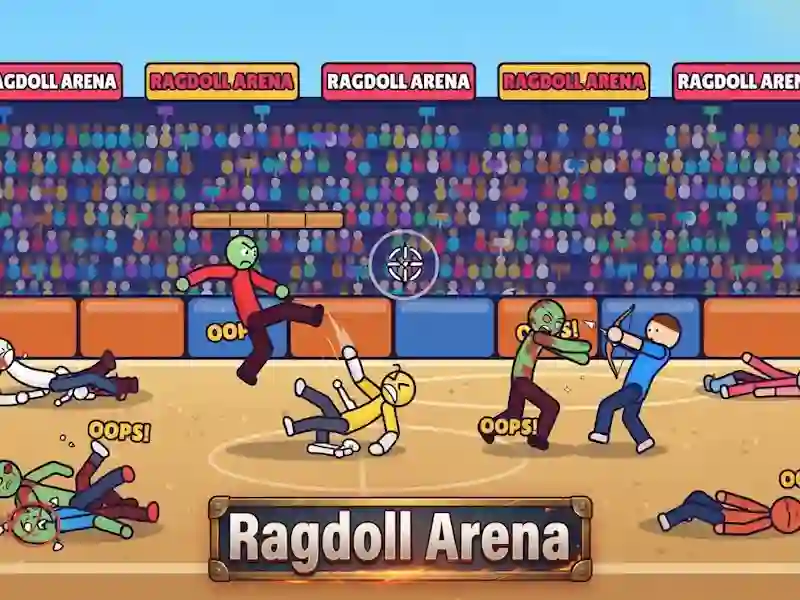
In Ragdoll Arena you knock down ragdolls with shots, punches and explosions. Merciless Brawl is based on physics: enemies fly off walls, collide with each other and launch chains of blows. A big boss awaits you at every stage.
How to start a fight in Ragdoll Arena
On PC you shoot LMB, move A / D or Q / D or ← / →, jump W / Space or Z / ↑, and go down S / ↓. Weapons change E / Tab / Shift / 1 / 2, super hit - R / F, pause - Esc / P. On mobile devices you move by dragging, and the red attack stick works by touching, dragging and holding. The SUPER and Weapon buttons enable super strike and weapon switching.
Why does every arena end with a boss?
There are 10 arenas in the game, and each one ends with a fight with a big boss. Before that, you throw ragdolls into walls and each other to cause a chain reaction. In Ragdoll Arena, accurate calculation of the ragdoll's bounce is important, and the same calculation of the move is needed in Humans Playground.
Weapons and Super Punch
Weapons change during combat, so you adapt your attack to the situation. The super strike fires only after charging and helps to finish off a crowd of enemies. Here it is useful to keep the ragdoll in the impact zone so that one explosion hits several targets at once.