

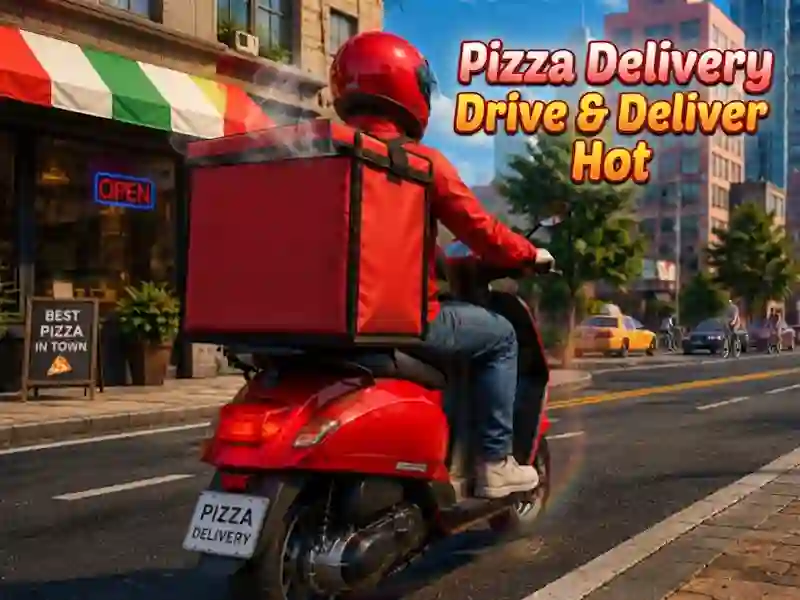
Pizza Delivery Drive Deliver Hot: delivery by scooter around the city
In Pizza Delivery Drive Deliver Hot you deliver orders around the city on a scooter and take on missions from your phone. This is one of the driving games where you find a pick-up point, pick up a package and put it in the luggage compartment. Time management is important here, because the order must be delivered to the address before the time expires.
How to take your first order
First, open your phone and select a mission, and then move to the pick-up point. Take the package and put it in the scooter box to continue riding with the load. After that, follow the route to the address and submit the order before the end of the timer.
Coins and new scooters
For fast deliveries you get more coins and unlock new scooters. The same coins are used to buy upgrades. This is how you build a career as a city courier.
Fuel and flight calculation
When traveling, you need to monitor not only the time, but also the fuel. The same calculation of progress is needed in Vortelli's Pizza Delivery: the path from point to point is also important there. Both scales limit delivery until the end of the mission.