

Prision Espace Parkour Master: Escape through seven levels
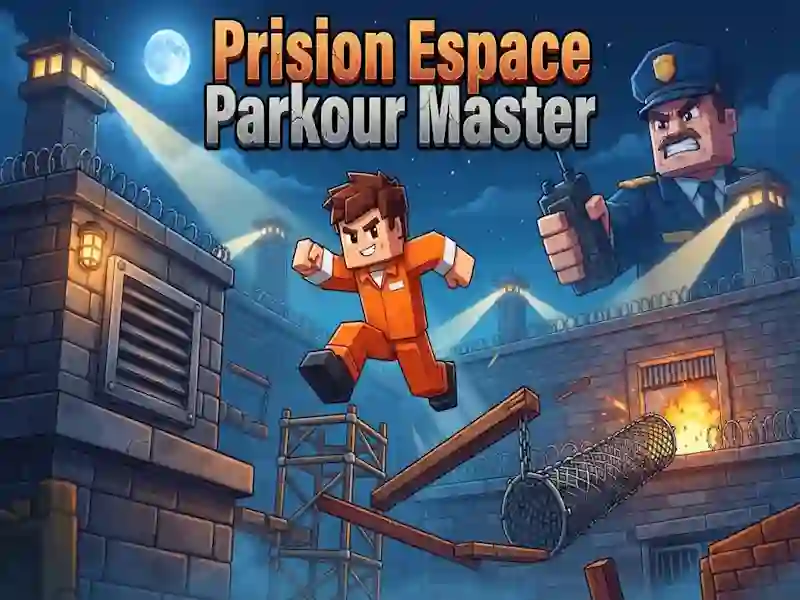
In Prision Espace Parkour Master you guide a prisoner through a block prison and reach the exit of each level. This is a game of skill. Running, jumping and climbing are based on parkour.
How to open the doors and go through the first section
- Run to the exit of the level and stick to the route forward.
- Jump over gaps and climb along ledges.
- Press switches to open doors and passages.
- Climb through the ventilation and bypass the sleeping guards.
- Wear a disguise when you need to get past security.
How many levels are there in Prision Espace Parkour Master?
The game has seven long levels, and each one ends at an exit. Checkpoints save your place within the stage, so after a mistake you don’t start over. In this prison you go through areas with guards and ventilation, just like in Barry Prison: Parkour Escape!. Then lasers, saws, crushers, acid, lava, a jetpack and a chase on the roof appear. Here you make precise acceleration and jump through narrow areas, just like in Vex 8.
Coins and store for the prisoner
There are coins throughout the levels, and you collect them along the way. They are spent in the store on outfits, hats and faces for the prisoner. This is also a dress-up game for a prisoner, because everything is just about appearance.