

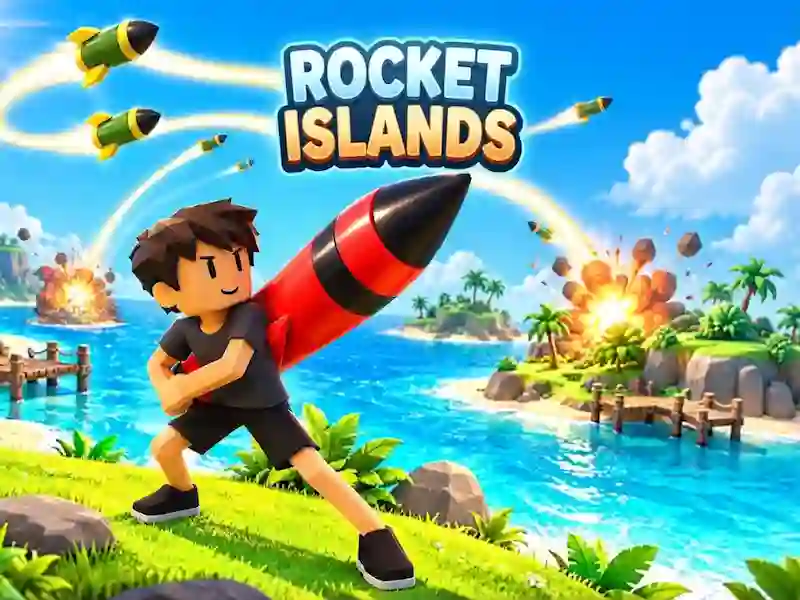
Rocket Islands: Rocket Fusion and Base Defense
In Rocket Islands, you collect rockets of the same level and merge them into stronger models. This is an action game about income growth, short rounds and shots at someone else's island.
How to get started with Rocket Islands
- Go to the nearest rocket and pick it up with the E key.
- Combine identical models to get a stronger rocket.
- Invest your income in improvements when you want to accelerate the growth of your base.
- Select an enemy island, press F and then click on the target.
How does a launch on a foreign island go?
When attacking, you first select your opponent's island, and then launch a ready-made missile at the target. The base's shield protects you from an incoming strike, and it's convenient to keep it on before firing back. A short round quickly returns you to your next attempt to climb the island rankings.
What does merging and autosaving do?
Income grows from identical models, and money goes towards improvements. Through fusion, you raise the level of rockets faster and unlock stronger versions. Objectives provide another target between shots, and progress is saved automatically. Reward bonuses from advertising are valid temporarily.