
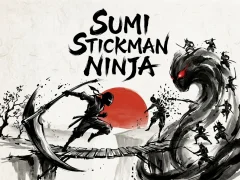

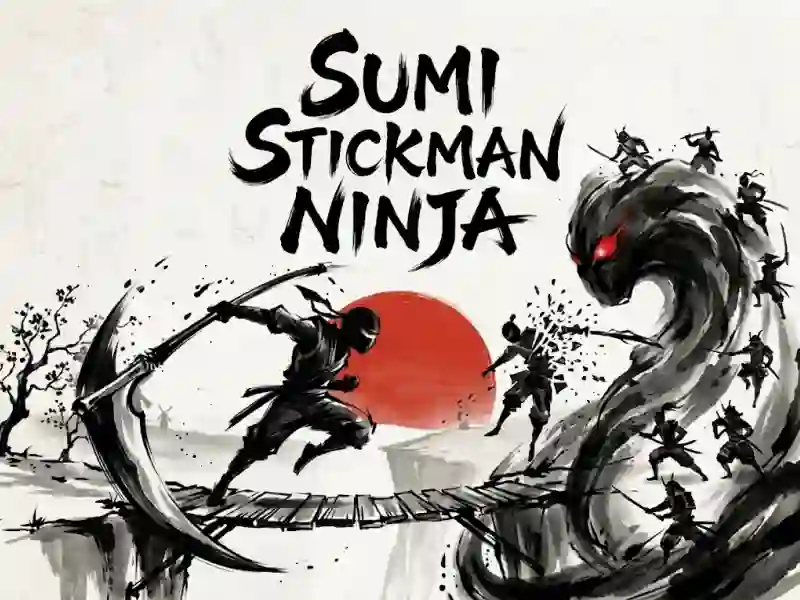
Sumi Stickman Ninja: Blades, Jumping and Parrying
In Sumi Stickman Ninja you go through stages and fight in the style of Japanese traditional graphics, playing as a ninja. This is one of the fights where you change weapons between katana, double blades, scythe and shuriken.
How to pass the first stage
- Start from the first stage and go through it to the end.
- Master the slide and backflip to use secret moves.
- Change weapons depending on the situation: katana, double blades, scythe and shurikens work differently.
What techniques are needed in close combat?
A double jump helps you rise higher, and a fall strike comes out of thin air. Such jumps help to reach the target from above. Dash, dodge and parry are needed when the enemy is already close. There is also sword fighting and changing distances, just like in Stickman vs Zombies: Epic Fight.
How to switch weapons using buttons 1–4
Keys 1–4 switch between katana, double blades, scythe and shuriken. On mobile, the left virtual stick moves the hero, and separate buttons are responsible for jumping, hitting, parrying, dashing and hooking. Escape pauses.