

Castle Crashers: Stolen Sun - combat, forks and 36 scenes
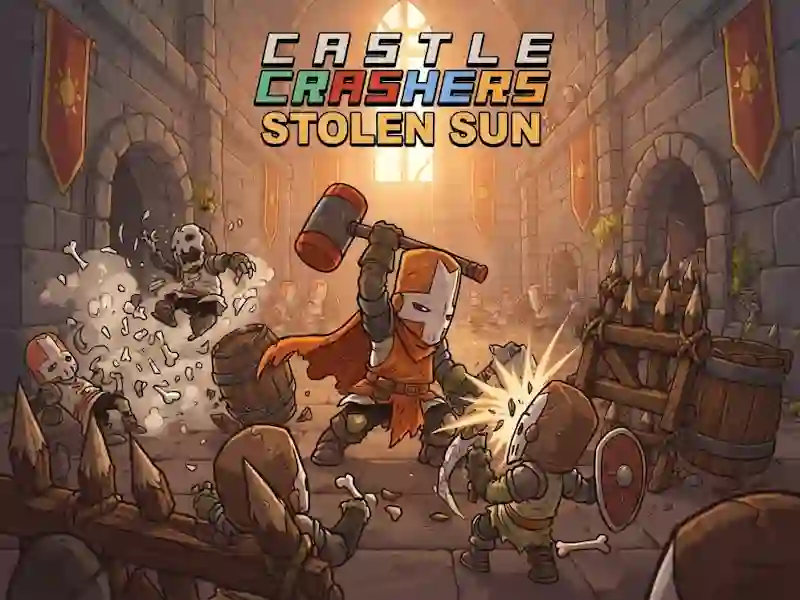
In Castle Crashers: Stolen Sun, you walk through a kingdom where daylight has been stolen and control an elemental knight in an action-adventure game. The game leads you through 36 story scenes with forks, encounters with enemies and boss fights. You make your way further, collect loot and strengthen your tools and armor.
How to start the path and open the exit
First, you choose a knight and lead him across the stage to the exit. Along the way, you beat the guards, jump through gaps and press red levers. The forks provide several routes, but the stage has one goal: to get to the end and open the next one. If you lose, the game returns you to the checkpoint. At the same time, progress is saved, so there is no need to start all over again. This format keeps the pace and allows you to take on already completed scenes again without a long re-cleaning.
What mining and upgrades provide
At levels you collect loot and invest it in upgrading tools and armor. This way you can better fight against regular enemies and bosses that stand between story scenes. The further you go, the more important the equipment you collect and the choice of route become.
How to play on mobile buttons
On mobile buttons you move, jump, hit and use touch skills. This follows the same set of steps as on PC. Controls remain the same simple in every scene.