

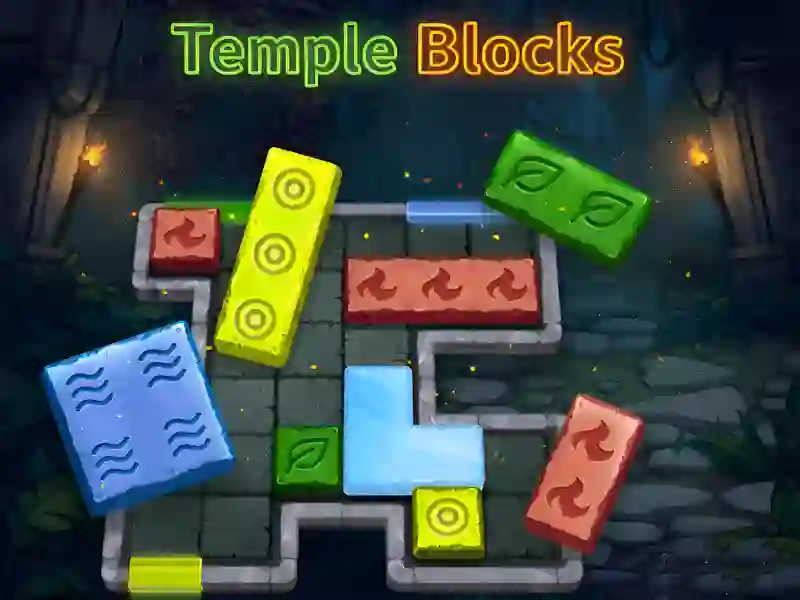
About Temple Blocks
Temple Blocks — exciting Color blocks And Puzzles which will test your attentiveness and spatial thinking. You take on the role of an architect of ancient secrets who needs to restore the structure of the magical field. The process is in many ways reminiscent of such hits as Block Blast And Wood Blocks Jam You can enjoy the game on your PC, smartphone or tablet directly in your browser window.
Basic gameplay
Your task is to correctly place figures of various shapes on the playing field. Every time you manage to collect an entire horizontal or vertical line of segments, it disappears, bringing you bonus points and making room for new elements. You must constantly ensure that there is enough free space on the board for maneuver, otherwise the round will quickly end.
Levels and goals
The main goal is to collect the maximum possible number of points in one session. There are no usual levels with completion; the gameplay is based on endurance and personal best. You compete with yourself or try to surpass the results of other users. The difficulty gradually increases as there is less free space and more and more cumbersome figures can appear.
How to play
At the bottom of the screen you are offered three random figures. You select one of them and drag it to any free space on the grid. As soon as you arrange all three proposed elements, a new three will appear.
- One of the main life hacks: always try to leave room in the center for a long stick or a large three by three square, which can fall out at the most inopportune moment. Another tip — try to clear several lines at once in one move, this way you will get bonus combo points and clear the field faster.
Play SGameS without installation on PC and smartphones. Train your brain and set new records at any time!