

Word Solitaire — online word card game
Word Solitaire — solitaire game with elements card You arrange cards by themes, not by suits and numbers. Each round turns into a little logic puzzle. A similar sorting principle exists in Solitaire Classic Klondike The game is available on PC, smartphones and tablets. It starts instantly, without a long loading time. The game helps you relax.
Collect cards by topic
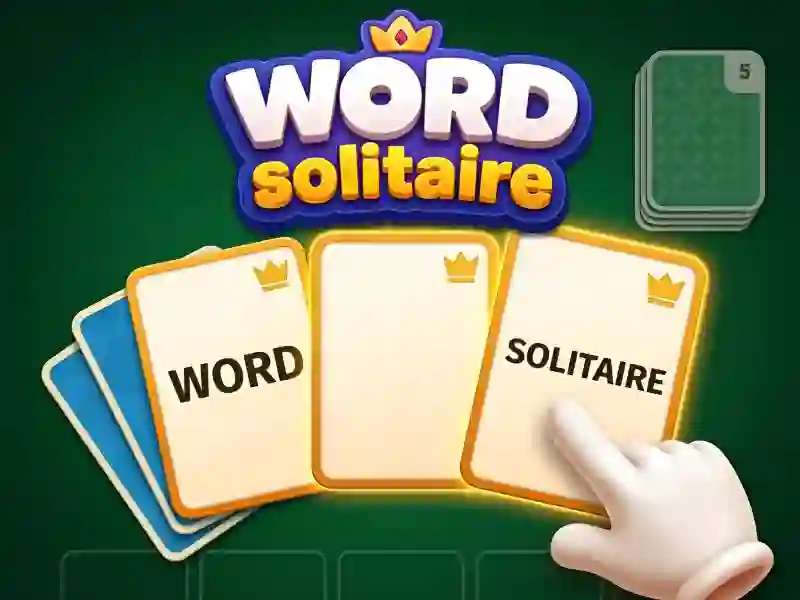
At the beginning of the round, several thematic cards are visible on the table. Each topic — for example animals, sports, food or professions. You tap on the word card and move it to the desired pile. A card goes into the pile only if the theme matches. You take a new card from the deck at the top if there is no suitable one on the table. A similar format for word puzzles is available in Words Of Wonders The first topics are simple — this is normal, then the game throws controversial cards. Word can approach two topics at once, and this is where the real mystery begins. Movement is limited. Extra clicks waste your move reserve. There are no free clues in the round, so every decision is important.
Open the themed stack
The goal of the round is to close each topic before the end of moves. You choose a theme card and place it first in the pile. Then you add only cards of this topic, one after another. The progress counter above the stack shows how many cards are still needed. If you make the wrong topic, the card will return to the deck and the move will disappear. Each closed stack brings you closer to winning the round. A completely empty table means a clear victory without penalties.
Complete new levels
Each new level adds another topic to the table. Categories are becoming wider, and maps are becoming more similar to each other. After the closed stack, the deck reveals the next set of cards. At later levels, themes intersect and precise logic is needed. There is a similar increase in difficulty across levels Memory Match There is no final screen — the levels continue one after another. Each level completed unlocks a slightly more complex set of topics.
For lovers of logic and words
The game is suitable for fans of light logic puzzles and words. It is comfortable here for both beginners and players with a large vocabulary. A 5 minute round or a long series of levels — both formats work. Gives similar memory and word training Crocword.
Complete the round without mistakes
- Study all open cards on the table before your first move.
- Start with a topic where two or three suitable cards are immediately visible.
- Place the theme card first, then add the rest of the cards.
- Take a new card from the deck only on an empty turn.
- Close the stacks one by one, without opening all the topics at once.
- Don't rush to close the stack. Sometimes it's better to wait for the right card rather than waste a turn.
- First, close topics with clear words. Leave complex and overlapping categories for last.
Launch Word Solitaire right now — for free, without installation on your PC, smartphone or tablet, right in your browser!