

+1 Smash Monsters Evolution: Power grows with every touch
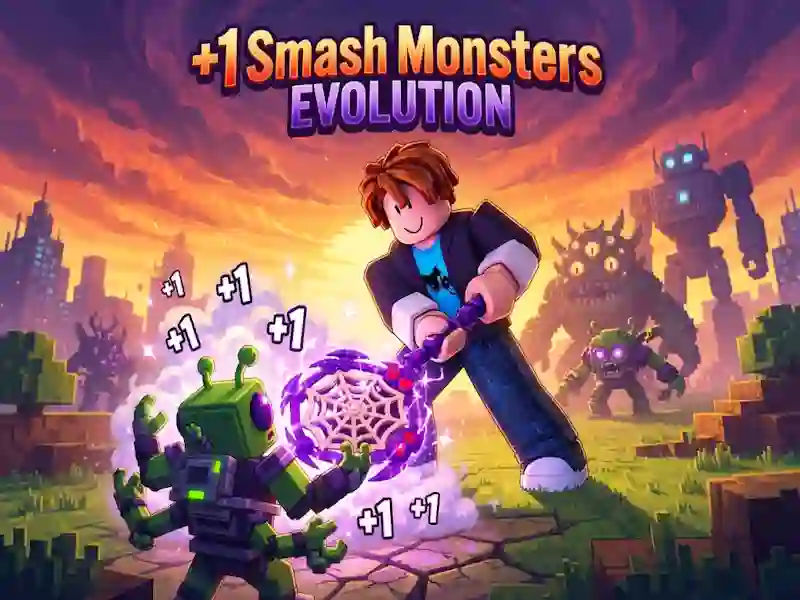
In +1 Smash Monsters Evolution you click, accumulate Power and go through the gate to the stage where the hero fights himself. This is an adventure arcade game where every +1 raises Power. Here you beat monsters, take trophies and go to rebirth.
How to start saving Power
- Click or tap to raise Power.
- When the gate opens, enter the stage and let the hero fight on his own.
- After the victory, stand on the reward platform and collect the trophies.
When to do rebirth
Trophies go towards fly swatters, pets, auras and upgrades. For them you open levels and strengthen the blow. After the gate, the hero fights himself, and the same calculation of moves is needed in Maktala.
How bosses and special attacks work
Bosses respond with special attacks and can be seen ahead of time. On a computer you move WASD, jump Space, rotate the camera with the right mouse button and the wheel, and purchases and opening prompts go through E. A special attack on a PC is launched with E or F. On a mobile device, the left virtual stick moves the hero, the right side of the screen rotates the camera, and tap gives Power. The hint and special attack button also work via tap.