

Critical Strike Global Ops weapon buys and map firefights
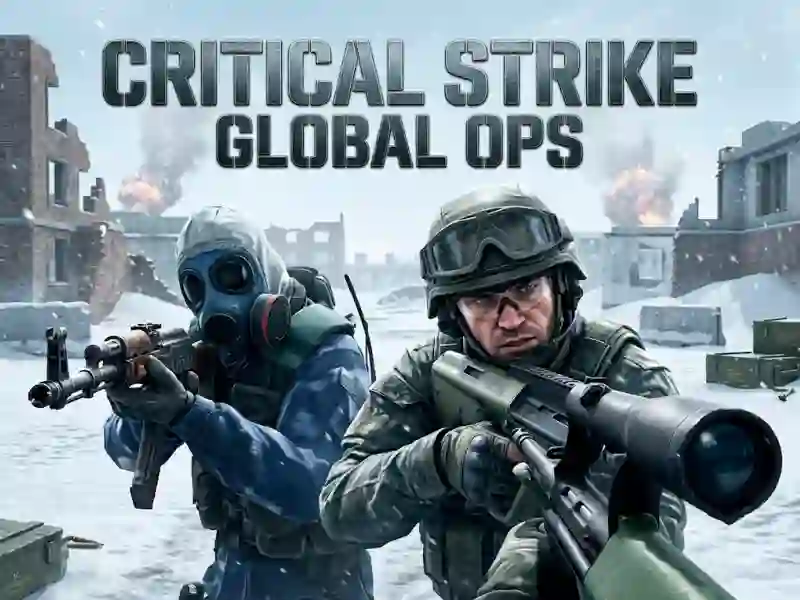
In Critical Strike Global Ops, you move through highly detailed maps, swap modern weapons, and try to win each firefight before the other side catches your angle. The next-gen graphics make the lanes and cover easier to read, so every peek, burst, and reload matters. It fits the Shooter category, and you can start in your browser with no download and no signup.
WASD movement, mouse shots, and B buys
The control set is simple but exact: WASD moves you, the mouse fires, R reloads, and B opens weapon buying. That means each life is about movement, aim, and spending at the right moment instead of digging through menus. The match pressure comes from how quickly you can switch from defending a lane to pushing a corner.
- WASD for movement
- Mouse to shoot
- R to reload
- B to buy weapons
Modern weapons on different detailed maps
The game’s big arsenal gives you several ways to handle a push, while different highly detailed maps keep the sightlines from feeling identical. Open spaces reward patience, tighter routes reward fast aim, and every reload can change the pace of a fight. If you want another browser shooter with a similar tempo, Hazmob FPS leans on modern gunplay and live multiplayer clashes. Ev.io is another close match because it also centers first-person movement and weapon-focused combat. For players who like a weapon-heavy arena, the weapons tag points you toward more games built around loadouts and firepower.
Because B handles weapon purchases, each round adds a small economy decision: save, spend, or hold for the next push. That layer makes it easy to chase a cleaner angle without overcomplicating the action, and the browser format keeps the whole game free online.