

Go Bowling 2: lane timing and rising speed
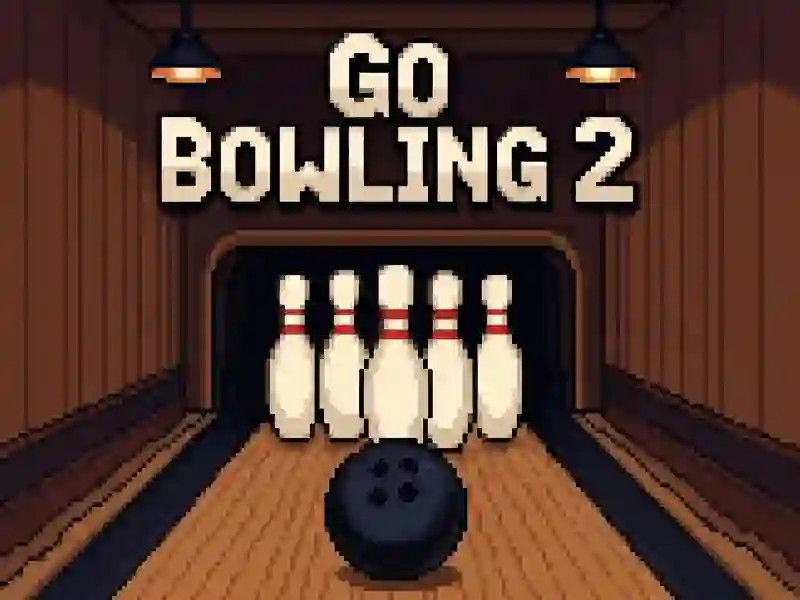
In Go Bowling 2, you line up each roll with a mouse click or touch and send the ball toward a target set of pins. The main twist is the rising lane speed, which makes later throws harder to judge and keeps you adjusting your aim instead of repeating the same shot. The score tracking follows bowling-style results, so every throw matters on the way to a better total. It feels direct, with no download and no signup before you start testing your timing.
Mouse click or touch shots against the speed ramp
As a sport game, it stays focused on the basics: line up, release, and watch the pins react. The bowling tag fits because the whole challenge is built around accurate rolls and smart power control, not extra systems. Since it is mobile-friendly and runs in your browser, you can play on a phone, tablet, or desktop without extra setup. Fans of Bowling Tilt will recognize the same aim-and-release rhythm, while Real Bowling also asks you to hit clean targets with careful placement.
If you want another nearby match, Bowling King is a good comparison because it also leans on pin control and score chasing. The faster pace later on means you have to adapt your release instead of relying on one perfect angle. That makes it easy to return for a few more tries when you want a quick browser session on SGameS.