

Airport Rush: countdown-based runway control at three terminals
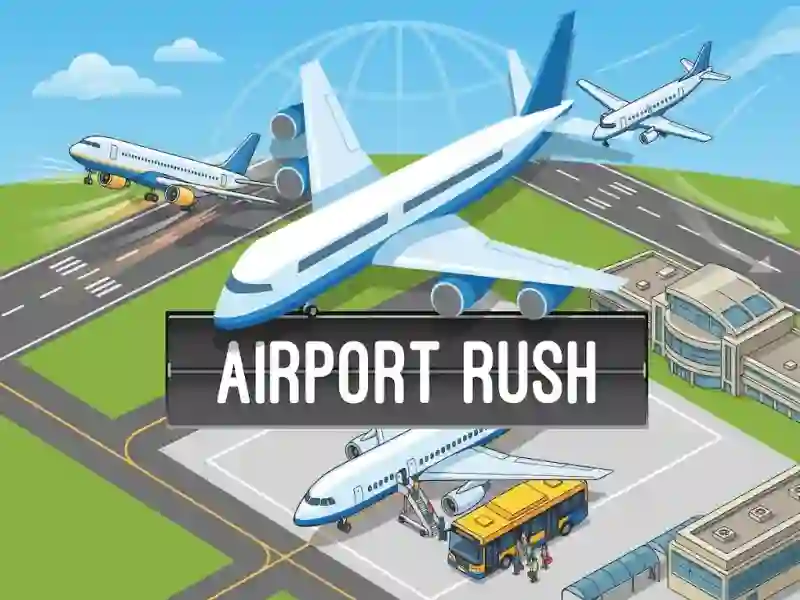
In Airport Rush, you tap the circular countdown beside each plane to send it rolling before the timer expires, then assign the runway so landings and take-offs stay separated. The screen shows the terminal building, buses, and several runways at once, so you are always juggling arrivals and departures instead of watching a single lane. If you miss one, it moves on its own when the countdown hits zero.
This is a skills challenge built on timing and quick decisions. It fits neatly beside time management games that demand fast routing. If you know Flight Sim Air Traffic control, you will recognize the same airport sequencing pressure, but here the action is leaner because each plane only needs the right click at the right moment. It runs in your browser with no download or signup, so you can play on mobile or desktop in seconds.
Three terminals and rising traffic waves
Airport Rush gives you three different terminals, and each one changes the number of platforms and planes you have to watch. That makes every stage feel tighter, because a small layout can fill up fast while a larger one spreads traffic across more lanes. When passengers leave the airport, they board buses and head to the aircraft, so the flow between arrival and departure stays front and center.
As the stage increases, more planes arrive and their frequency climbs, so late taps can create a backlog in a hurry. Some planes stop for refill or other activities, and you still need to park them safely before sending them out again. That mix of routing and pressure makes it a natural fit for airport operations. It also lines up with flight themes. For players who like keeping a busy board under control, management fits too.