

Arena Survivor: auto shooting in a closed arena
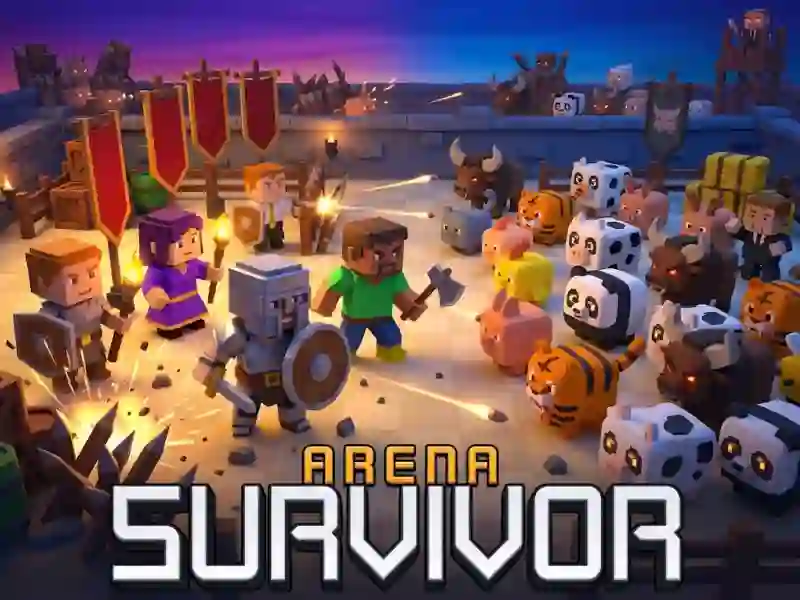
In Arena Survivor, you stay in a closed arena and collect materials after waves. This is a shooter where the weapon shoots itself, and constant movement decides. Between waves, you go to the store and strengthen your weapons by merging identical shooting ranges.
First entry into the arena
- Complete 20 waves in a closed arena.
- Move WASD or arrow keys and dash away.
- Choose one of 18 heroes with their own rules.
What to do between waves in the store
After the wave, you go to the store and spend materials on a new set. Materials come after waves, so they need to be spent immediately. There you can buy an item, block it, or re-roll the selection. The same calculation of moves is needed in EvoWars.io: you also stay in the arena and choose the moment to dash.
How to enhance weapons with fusion
Two identical guns of the same shooting range are combined into a stronger one. When a match appears in the store, you can raise the tier without making a new purchase. Merging two identical guns here works the same way as in Chicken Merge: the match leads to the next level.
Who to choose and what mode to take
You choose one of the heroes, and each has its own rule. After this, six difficulty levels or endless mode are available. The same route through the arena takes place differently because the hero's rule changes your plan. Before starting, you should look at the hero before the difficulty.