

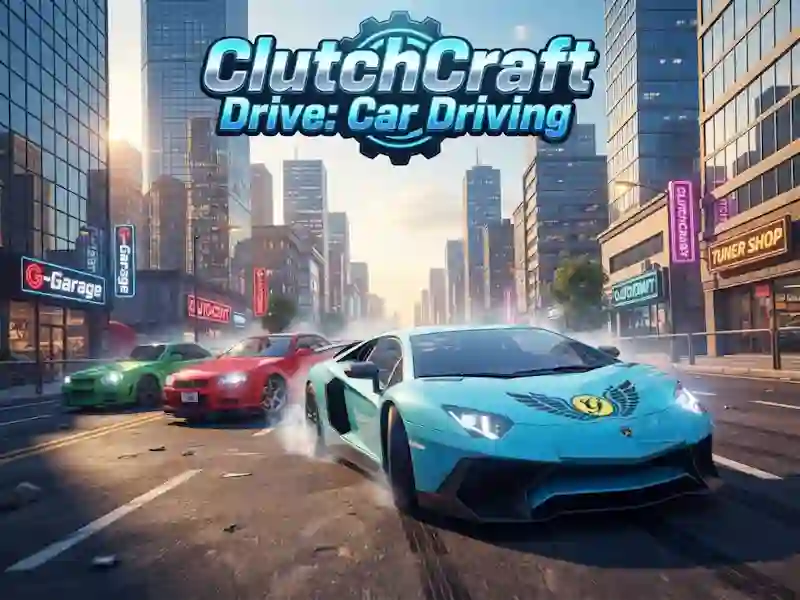
ClutchCraft Drive: Car Driving - parking and traffic lights in the city
In ClutchCraft Drive: Car Driving you drive a car along city streets, park and follow the traffic rules on an open map. This is one of the racing games where traffic lights, road signs and precise trajectory are important.
How to start your trip around the city
First, you take the car to a free area and adjust the speed to the road. Then it’s easier to take a turn, go around an obstacle, or get into the right parking spot. In tasks, the game checks how you keep the line of movement in a dense city.
Parking, signs and traffic lights
Some missions are built in parking lots in tight spaces. You look at the traffic lights and road signs, because mistakes at the intersection quickly disrupt your rhythm. On a narrow trajectory, precise calculation is needed, and the same calculation of progress is needed in Real Driving: City Car Simulator.
Camera, cars and free riding
Different camera views help you better see curbs and the distance to obstacles, and 3D makes the dimensions of the car more visible. In the game you can unlock new cars and drive in free ride mode. This way you practice turning, braking and turning without a strict script.