

Dice Slash: Five dice and sword damage
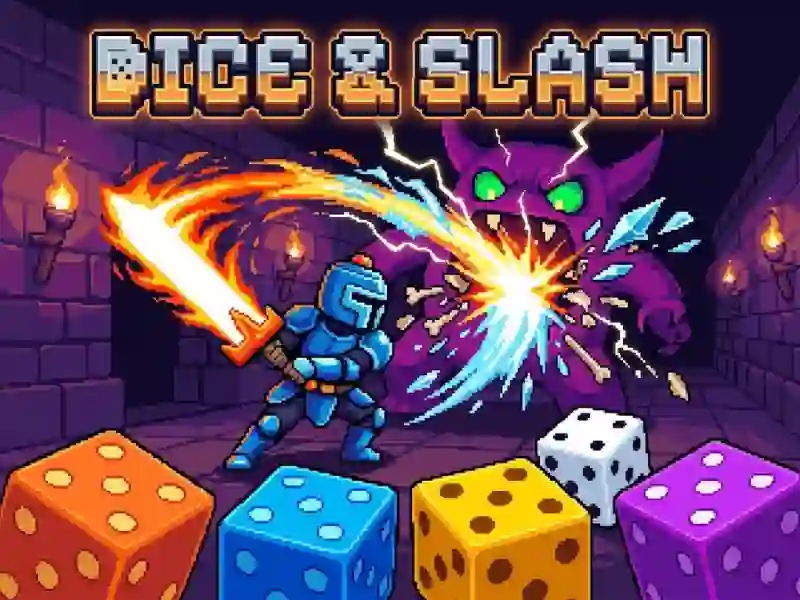
In Dice Slash, you roll five dice, hold the best ones, and reroll the rest to make a strong hand. A pair, straight and five identical dice increase the damage of the sword, and the action is built on every throw.
How to make your first hand in Dice Slash
- Throw five dice and look at the layout.
- Hold the desired dice on keys 1–5.
- Press R to re-roll the extra dice.
- Press Space or Enter to attack and then select a skill.
What do pairs and colored dice give?
The sword's damage increases from a pair to five identical dice, just like in Battle Heroes 3. Colored dice immediately trigger blades, ice, lightning, and healing, while magic adds another layer to the roll. Therefore, you keep a strong set until the attack and only re-roll the extra dice.
When does the boss appear in Dice Slash?
In each of the three chapters, the boss comes out on the 10th wave. After victory you move on to the next chapter. After each battle, you choose a new skill from three.