

Playdough School: clay zombies at school
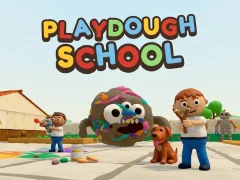
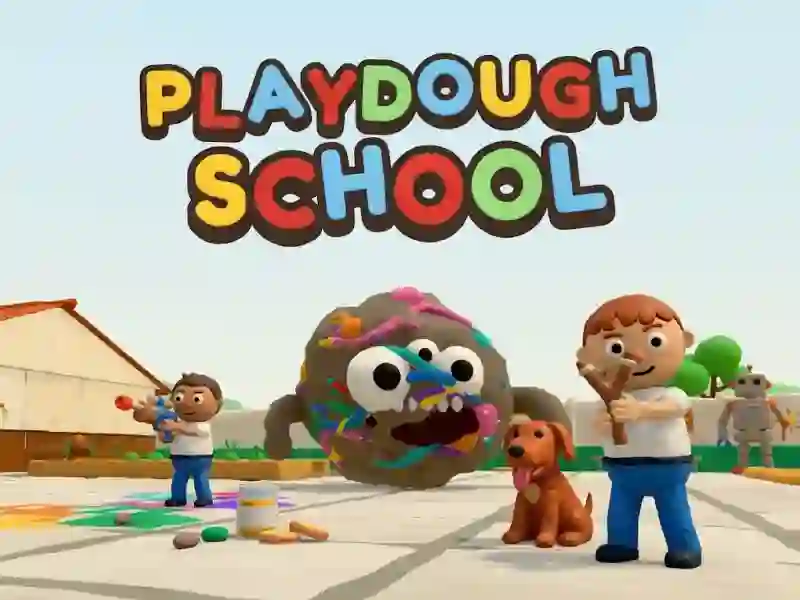
Playdough School has you walking through school hallways, shooting clay zombies and turning teachers back to normal - it's one of those action games. You have a slingshot, a chalk thrower, antiseptic and a huge clay ball cannon, and the school looks like a handmade stop motion scene. The game has a story mode, missions and a big boss.
Where to start cleaning
- Use WASD or arrow keys to keep your distance.
- Point the mouse, shoot with LMB and aim with RMB.
- Change weapons using the mouse wheel and numbers 1–5 when you need another shot.
How weapons and healing work
In battle, you change weapons with the mouse wheel or numbers to adjust the range and pace. R reloads the barrel, Q heals you, and F and G give you separate abilities. When you need to get away from the crowd, Shift for running and Space for jumping come in handy.
What to do after the corridors
After the corridors you go to the area around the school and ride a scooter. A dog walks next to you all the time. Online game with friends - familiar from Zombie Survival Base Camp Multiplayer. In this world there is also a giant robot made from junkyard parts and a kart race.