

About PG Coloring: FNAF — Gameplay & Story
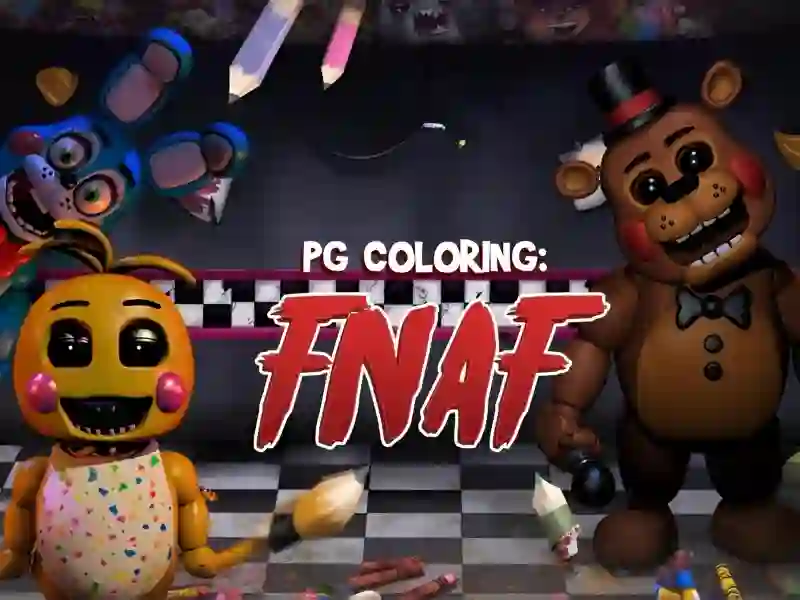
Coloring: FNAF (PG Coloring: FNAF) is a fun, creative game that allows you to take a fresh look at the famous characters of the popular horror series. In style and spirit, this project is reminiscent of games such as Coloring Book: Sprunki Friends And Super Color Lines Main thematic categories include Coloring pages And Five Nights at Freddy's You become an artist whose task is to breathe life into the black and white sketches of frightening animatronics, turning them into bright or even darker images. The project is fully adapted to work in a browser on personal computers and any modern mobile devices.
Basic gameplay
Your main activity here is working with color and details. You are offered a set of ready-made outlines depicting the legendary mechanical inhabitants of the pizzeria. At the bottom or side of the screen there is a paint palette and a set of tools that allow you to select the desired shade and brush size. You just need to choose the color you like and carefully fill certain areas of the picture with it. This is a meditative process that allows you to express your imagination without being distracted by complex survival mechanics or time constraints.
Levels and goals
The game consists of many different sketches, each of which represents a separate stage of creativity. Your goal is to collect your own gallery of fully painted portraits of Freddy, Chica, Bonnie and Foxy. There is no losing system, which makes the project ideal for a relaxing pastime. You can return to the same picture multiple times, trying out new color schemes and creating unique versions of familiar characters, from friendly to truly scary.
How to play
To begin, choose the image that seems most interesting to you. Then click on the desired color on the palette and apply it to the selected area of the drawing. If you don't like the result, you can always cover it with another color or clear the canvas. One useful life hack: try to paint the largest background elements first to set the overall mood, and then move on to small details like wires and animatronic pupils. Another tip: don’t be afraid to experiment with colors that are unnatural for these characters — this will help you create truly original art.
Controls in PG Coloring: FNAF
PC:
- To select colors and color the elements of the picture, use the left mouse button.
Smartphones:
- The control is completely touch-sensitive: just touch the desired colors and image areas with your finger on the screen of your device.
FAQ — frequently asked questions
How is progress saved?
Your creative successes and finished works are automatically saved in the memory of your browser, which allows you to return to drawing at any convenient time.
What devices is the game available on?
You can run this project on any modern device, be it a desktop computer, laptop, tablet or smartphone running Android and iOS.
Is registration required?
No registration is required to access all tools and sketches; all functionality is available immediately after launch.
Play SGameS without installation on PC and mobile phones.
Platform
Browser Desktop , Mobile and Tablet
Release
18 july 2022
Last Update
28 february 2026