

Heroes Shop Battlers: hero build and automatic battle
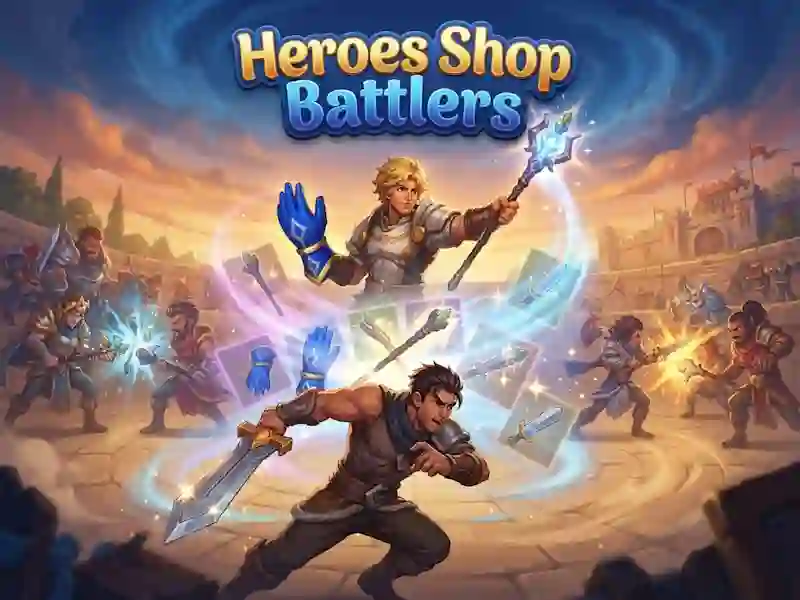
In Heroes Shop Battlers you build a hero through the store, merging and placing things on the field in a logic game. Before each race, you choose a hero with a passive gift and a signature move, and then build a set of weapons, armor and amulets with hundreds of combinations.
First steps before the fight
- Choose a hero before a new race. There are ten heroes on the list, and each has its own style.
- Keep an eye on the gold at the top of the screen. You use it to buy items in the store.
- Pull two identical objects on top of each other to get a stronger version.
- Turn the items around if they stand up better this way, and place your purchases on the board without empty cells.
How the game goes
After pressing battle, the battle starts automatically. You have already assembled the kit in the store, and then only your arrangement is important. Items are placed on the board, so empty spaces quickly become a problem. The same calculation of progress is needed in Merge Magnat: IDeaL Store, when you decide what to buy in the store and how to arrange things on the field.
How many defeats end a run?
The race ends after five defeats. Ten wins in a row give you champion status. Victories increase your rating and lead to matches against real players. For successful runs you receive new heroes and gems, and there is also a daily wheel of fortune with gems.