
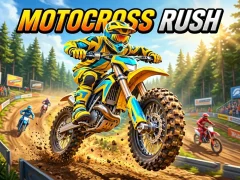


Motocross Rush: four bikes and twelve stages
In Motocross Rush, you drive one of four motocross bikes around a track. This is a racing arcade game with twelve stages, where the score is on a clean race and precise control of the motorcycle.
How to start a race without losing momentum
- Control the bike with arrows or A/D.
- On turns, hold down the drift and go out with acceleration.
- On the ramps, level up your bike for a free turbo.
- Pick up items from boxes and use them in the race.
What tracks and surfaces are there in Motocross Rush?
The tracks range from sunny forested areas to illuminated supercross. Motocross Rush also has ice lines and mud storms, so the pace changes from stage to stage. On such sections it is useful to keep the bike level after the jump and not lose line.
How many stages and modes are there in Motocross Rush?
There are twelve stages in Motocross Rush, and each has its own racing rhythm. You win cups, beat your ghost in the Time Trial, and try to survive the Eliminator. Here it is important not only to come first, but also to keep the race alive until the end.
What do boxes and a garage give?
From the boxes you take rockets, bombs and oil, and then use them in the race. In the garage you customize your motorcycle between races, just like in Motorcycle Racer: Road Mayhem. Collect items first, and then spend them when your opponent is nearby.