

Netherton Volleyball: green timing and striker selection
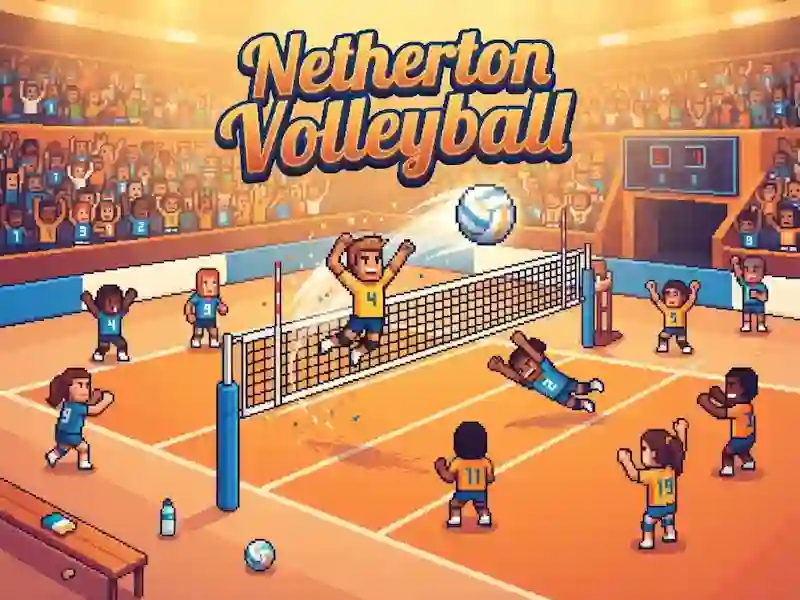
In Netherton Volleyball you dribble six on the court and play the ball to a point. This is a sports game with pixel matches, where the green signal sets the timing. Volleyball is important here: the color of the striker's ring indicates the chance of a point.
How to start your first draw
Click the mouse or touch the screen when the ring turns green to make a serve, receive or block. Then click on the attacker's ring to put him in the draw. Space repeats the click at the green moment, and QWE and ASD select the front or back row.
How to read the ring and choose the moment
The reaction is important here: the green moment decides when to press, and the color of the ring tells you the chance of a result. You quickly change your mind if you want to give the ball to a more reliable striker. An error in timing immediately breaks the rally. Regular matches go to 11 points in a best-of-two series, and the final requires three wins.
Campaign and team growth
After each match, players level up and learn new moves, from quick passes and pipes to jump serves and defensive dives. There are 18 opponents to overcome in the campaign, each with their own playstyle. The pixelated look and short games keep the pace - familiar from 3D Pinball Space Cadet.