

About Plants Vs Zombies Hidden Stars — Gameplay & Story
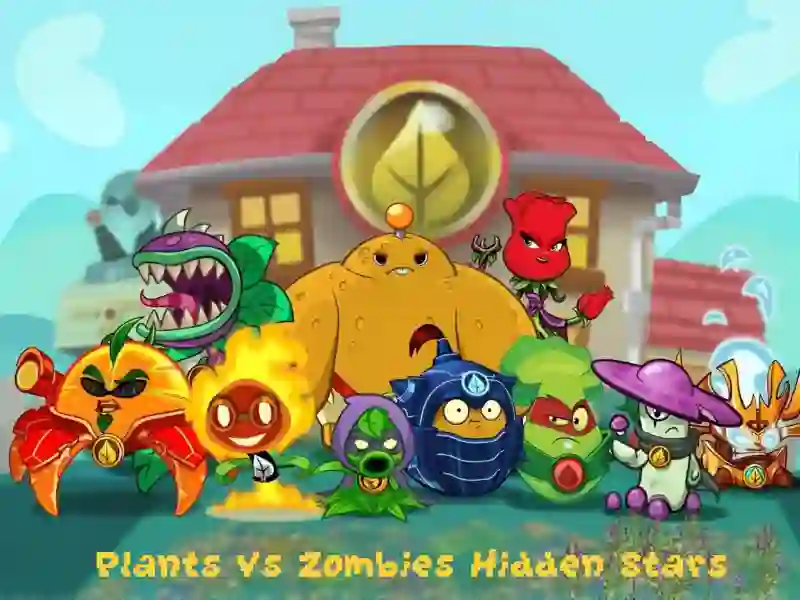
Plants Vs Zombies Hidden Stars is a fun logic arcade game in categories Plants vs zombies And One button In this game you will temporarily become the most attentive explorer of a familiar universe, where flora confronts the undead. Your goal is to find all the hidden objects in colorful locations. The project is reminiscent in spirit of games such as Plant Guardians And Zombies vs. Sunflowers, offering a calm yet addictive gaming experience. You can play it directly in your browser on your PC or on your Android and iOS mobile devices.
Basic gameplay
You are shown detailed images with footage from the life of famous plants and their eternal opponents. Ten gold stars are cleverly hidden in each picture. Your task is to carefully examine every centimeter of the screen and click on the found object. The difficulty is that the stars are translucent and blend into the background, so you will need maximum concentration.
Levels and goals
The game consists of several levels, each of which is limited in time. Your goal is to find all ten stars before the timer at the bottom of the screen reaches zero. For every correct click you get points, but be careful: wrong clicks waste precious time. Successful completion of a level opens access to the next, even more complex and interesting picture.
How to play
Start your inspection from the corners of the image, smoothly moving to the center. Stars are often hidden at the junction of contrasting flowers or in the dense foliage of plants. The main life hack: do not click at random if you are not sure, as the penalty for making a mistake quickly reduces your chances of winning. Another tip — try to find the most noticeable objects first in order to get used to the scale of the stars at a particular level, then the remaining targets will be easier to detect.
Controls in Plants vs. Zombies: Hidden Stars
- For PC: use the left mouse button to hover over the star and confirm your find with one click.
- For smartphones: control the process with simple taps on the screen. Just touch your finger to the place where you think the object is hidden.
FAQ — frequently asked questions
Are my records saved?
Your progress and best results are recorded within one game session in the browser.
Is registration required?
No, you can start searching for hidden objects instantly and without entering any data.
Can I play on a tablet?
Yes, the game interface scales perfectly to fit the screens of any mobile devices and tablets.
Play SGameS without installation on PC, Android or iPhone and prove that you have the sharpest eye in this garden!
Platform
Browser Desktop , Mobile and Tablet
Release
12 october 2021
Last Update
18 february 2026