
Formula Speed — free online game
Formula Speed
8.6 / 10
Loading...
Formula Speed — free online game
Formula Speed
Don't like this game?
Tell us why
Continue on your phone
Scan the QR code to open this game on your mobile device
How to play
Formula Speed — free online game

Formula Speed

Rating
8.6 (81 votes)
Technology
HTML5
Platform
Browser (desktop, mobile, tablet)
Screen Orientation
Landscape
Release
January 2025
Last Update
August 2026
Name
Formula Speed
Category
Driving & Racing

Formula Speed — Formula 1 racing on replicas of real tracks

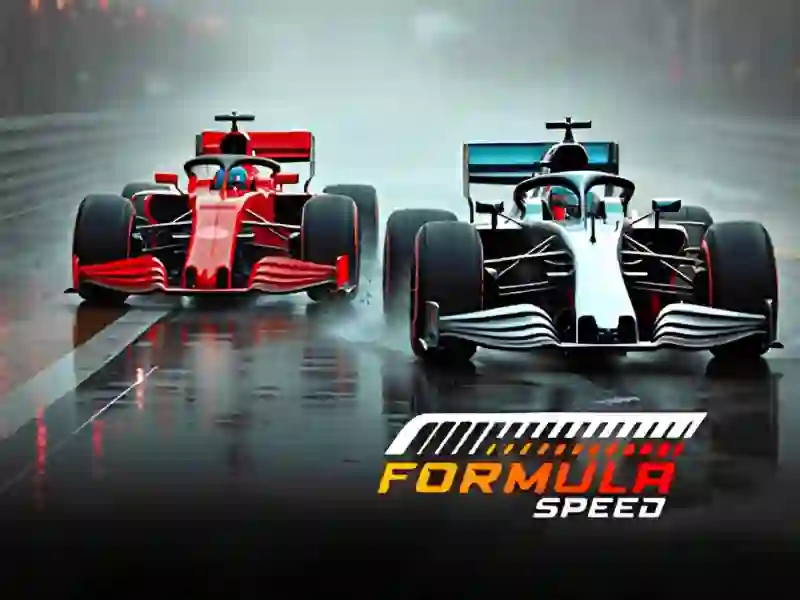
You get behind the wheel of an open-wheel car and drive onto tracks copied from real ones: Abu Dhabi, Australia, Japan. The camera can be switched between several angles — the view changes right during the race.

You won't be able to hold the gas the entire distance here. Rivals are controlled by a computer and do not give up the internal trajectory just like that, so the outcome of the race is decided by braking before a bunch of turns and the accuracy of the steering wheel at the exit. There is a similar bet on careful driving in Racing Limits, only there you are driving along an ordinary road among cars.

Three modes and how they differ

Practice-check-in without rivals: you memorize the track markings and get used to the car’s behavior. Quick Race — one short race for a quick result. Individual Grand Prix is a series of races in a row, where points are added up across all stages, and one successful race is not enough for the title.

What victories reveal

Rewards are awarded for races and events won. Faster cars open up for it, and with them later competitions become passable. If you want speed without sports regulations, there are night street races Nitro Speed 2 Underground, and dense city traffic — in Traffic Jam 3D.

Platform

Browser Desktop , Mobile and Tablet

Release

28 january 2025

Last Update

21 august 2026

How to play

PC:

  • W or up arrow key — overclock
  • S or down arrow key — brake
  • A/D — turn
  • C — camera change
  • R — return the car to the track


Smartphones (on-screen buttons):

  • Left/Right Arrows — Rotate
  • Gas button — acceleration
  • Brake button — brake
  • Camera icon — change camera
  • Reset icon — return the car to the track


Smartphones (gyroscope):

  • Tilt left/right — turn
  • Screen Hold — Overclock
  • Brake zone — brake
  • Camera icon — change camera
  • Reset icon — return the car to the track

FAQ — Frequently Asked Questions

How is Individual Grand Prix different from Quick Race?

Quick Race is one separate race with a quick result. The Individual Grand Prix runs as a series of races in a row, points are added up across all stages, and to win the title you need to consistently finish high.

How to unlock a faster car?

Win races and events. For them, a reward is awarded, for which cars are opened faster than the starting one. Stronger technology helps noticeably in later races, where the opponents are driving tighter.

Why do you need a practice mode?

In practice there are no opponents and no pressure of results. You calmly memorize the turns of a particular track and get used to the braking and steering. After this, races with rivals are cleaner.

Is it possible to change the camera angle?

Yes, the game gives several view options and allows you to switch them with a key during the race. The closer angle is more convenient for precise turns, while the far one better shows the situation on the highway.