


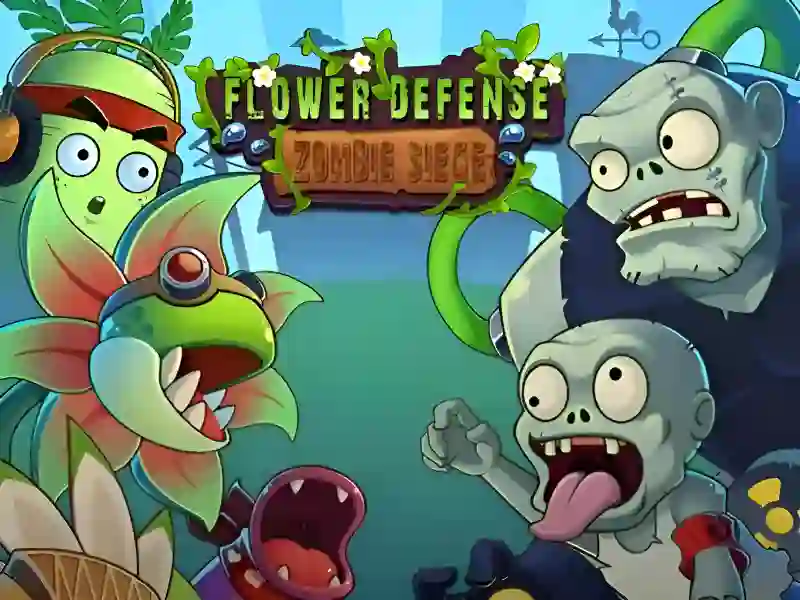
About Flower Defense Zombie Siege
Flower Defense Zombie Siege is an exciting strategy game in the genre Plants vs zombies, in which you have to become the defender of the last blooming oasis. Your main goal is to correctly place combat plants along the path of the bloodthirsty Zombie, seeking to destroy your garden. In terms of gameplay mechanics, the project is very similar to Zombies vs. Sunflowers And Plants vs Undead, combining elements of classic tower defense and tactical planning. The project is completely cross-platform and available to run on PCs, smartphones and tablets.
Basic gameplay
You play the role of a gardener-commander who needs to build defensive redoubts from various types of flowers. Each flower has a unique attack: some shoot rapid-fire seeds, others deal area damage, and others can freeze opponents. Your task is not to let a single enemy leave the playing area, effectively spending the accumulated solar energy to purchase new units.
Levels and goals
The game consists of many levels, the difficulty of which increases as you progress. Your main goal at each stage is to survive against all waves of attackers, including the final attack of a huge horde. With each new level, you gain access to more powerful types of plants and face new types of opponents with unique abilities and increased health.
How to play
Start each round by planting sunflowers or other resource plants to ensure a steady flow of points to purchase combat units. Place shooting plants in the depths of the defense, and in front of them place strong shield flowers that can hold back the onslaught of the crowd for a long time. Life hack: try to concentrate the fire of several plants on one path to quickly deal with armored enemies. Also, always leave a small reserve of resources for emergency planting of explosive plants in critical situations.
Controls in Flower Defense: Zombie Siege
To play on a computer:
- Use the left mouse button to select seeds on the toolbar.
- Click on an empty lawn cell to plant the selected plant.
- Click on falling resources to quickly collect them.
For smartphones and tablets:
- Touch the icon of the desired plant in the menu with your finger.
- Tap the screen where you want to place the defender.
- Tap on the suns and bonuses to add them to your inventory.
FAQ — frequently asked questions
How is progress saved in the game?
All your open levels and accumulated achievements are saved automatically through your browser’s local storage.
Do I need to download an application on my phone?
No, this is a modern HTML5 game that opens instantly in any mobile browser without unnecessary downloads.
Is registration required to access all levels?
The game is fully available in guest mode, so you can start defending the garden right away without creating an account.
Play SGameS without installation on personal computers, any modern smartphones and tablets online!