

About Plants Vs Zombies - Merge Defense
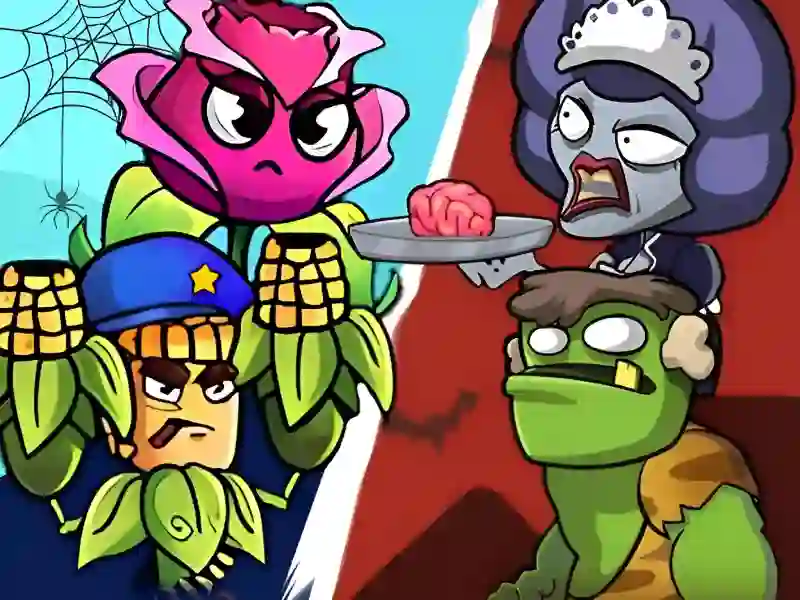
Plants Vs Zombies — Merge Defense is an exciting logic strategy that combines genres Plants vs zombies And One button In this version of the classic confrontation, you act as the commander-in-chief of a green army, whose main goal is to hold back the onslaught of monsters through the evolution of your units. The project is mechanically reminiscent of such hits as Plants vs Zombies – Travel Nostalgic Mirage And Plants vs Undead, offering a fresh take on a familiar universe. The game is completely cross-platform, so you can fight the undead both in the browser on PC and on mobile devices.
Basic gameplay
You need to build a defense on the playing field by buying basic sprouts and combining them with each other. Instead of the classic accumulation of resources, the main emphasis here is on the fusion mechanic: two identical plants of the first level turn into one more powerful defender of the second level. The higher the level of your fighters, the faster they fire and the more damage they inflict on advancing zombies.
Levels and goals
The game is divided into stages, each of which consists of a series of waves of attacking enemies. Your goal is to completely clear the field from the advancing undead and not allow them to reach the edge of the lawn. With each new stage, the zombies' health increases, and their speed increases, which forces you to constantly optimize the balance of forces and look for opportunities to create the most pumped units.
How to play
Start by purchasing the basic seeds at the bottom of the screen. As soon as two identical flowers appear on the field, drag one on top of the other to get an improved version. Remember that space in the beds is limited, so try not to fill all the cells with weak plants. Life hack: try to place the strongest fighters in the center so that they can cover the maximum radius with fire. Also, don’t forget to save coins to buy additional slots, which are critical in the later stages.
Controls in Plants vs. Zombies: Fusion and Defense
On PC:
- Control is carried out using the mouse. Hold down the left button to drag plants and click on the store buttons to buy new units.
On smartphones:
- Use the usual touches and swipes. Simply hold your finger on a plant to move it to another square or combine it with a similar character.
FAQ — frequently asked questions
Are my achievements saved?
Your progress and unlocked levels are automatically recorded in the browser, so you can continue playing at any time.
Do you need a powerful device?
The project works great even on budget smartphones and old laptops, as the graphics are optimized for fast loading.
Is account creation required?
No, all game features are available without registration and additional data confirmation.
Play SGameS without installation on PC, Android or iOS and create the most powerful plant army right now!