

About Plants vs Undead
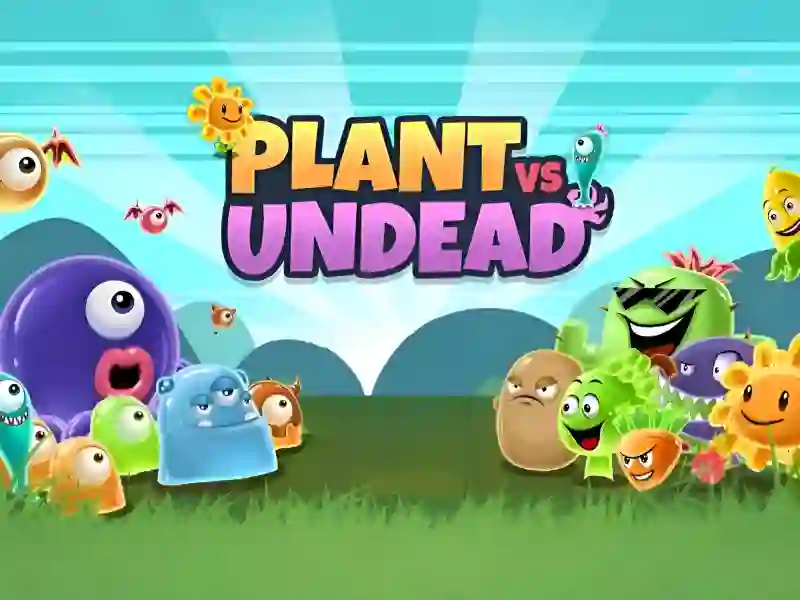
Plants vs Undead is a tower defense strategy game that combines classic mechanics Plants vs zombies with a gloomy atmosphere of confrontation between magical flora and the living dead. You act as the guardian of the garden, whose main task is to correctly place defensive units to repel endless attacks Zombie In its spirit and gameplay, the project is as similar as possible to Plants vs Zombies (Fanmade) and original concept Flower Defense Zombie Siege, offering players a familiar yet updated experience. The game is fully cross-platform and can be played in the browser on PCs, smartphones and tablets.
Basic gameplay
Your job starts with resource planning. You need to plant plants that generate energy and use it to recruit combat units. Each type of undead has its own characteristics: some move slowly, but have a huge supply of health, others are able to quickly cover the distance. You need to build a line of defense through which no enemy can slip through, otherwise the house will be captured.
Levels and goals
The passage is divided into levels, where the difficulty increases with each new wave. Your global goal is to withstand the final onslaught at every stage. As you progress, you unlock new types of magical plants with unique attack types, such as freezing, poison, or explosive spores, allowing you to adapt to more dangerous types of undead.
How to play
Always build the economy first: plant sunflowers or their equivalents in the rear to ensure a constant flow of resources. Only after forming the base proceed to installing attacking plants on the front line. Life hack: try to combine slowing plants with those that deal area damage. This will keep enemies in the affected area for as long as possible. Also, always keep some energy in reserve in case of an emergency landing of instant attack units if zombies break through the first line.
Controls in Plants vs. Undead
On personal computers:
- The left mouse button is used to select a plant card in the top panel.
- Left-clicking on a cell on the field confirms the landing of the unit.
- Drop-down resources are collected by hovering the cursor or clicking.
On mobile devices:
- A simple tap on the plant icon selects the desired protector.
- Tapping on any free cell of the playing field places the selected plant.
- Collect bonuses and energy with short taps on the screen.
FAQ — frequently asked questions
How long do my results in the game last?
Your progress is recorded automatically in the browser's local storage, which allows you to return to the passage from the same place.
Do you need a powerful video card to run?
No, the game is optimized to run in any modern browser on PCs, smartphones and tablets without high requirements.
Is account registration required?
You can play completely free of charge and without creating an account; all functionality is available immediately after downloading.
Play SGameS without installation on PCs, smartphones and tablets running any operating system!