

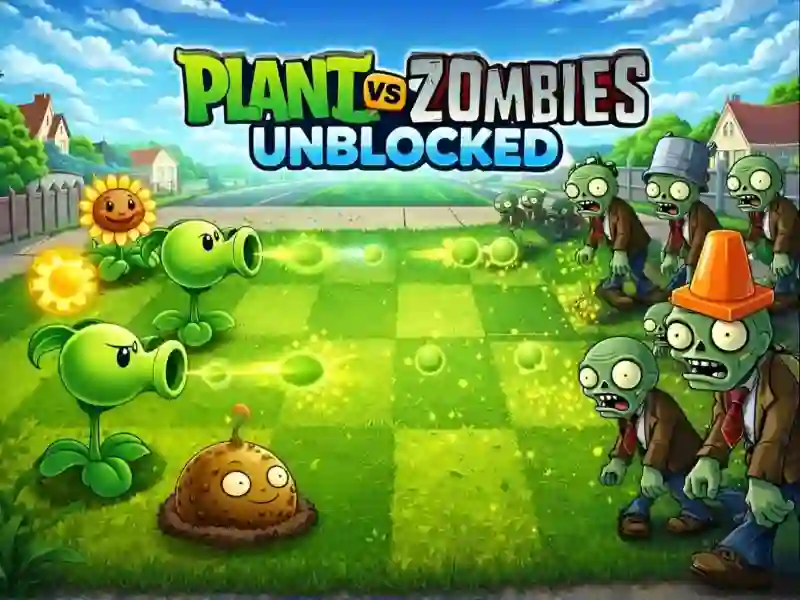
About Plants Vs Zombies Unblocked
Plants Vs Zombies Unblocked is a legendary strategy in the Tower Defense genre, where the main characters are Plants vs zombies and hungry Zombie. Your task is simple and at the same time incredibly difficult: protect your home and brains from the invasion of the living dead, using only your garden. This game is reminiscent of such hits as Plants vs Zombies And Plants vs Zombies – Travel Nostalgic Mirage You can plunge into the battle directly in your browser — the project is available on PCs, smartphones and tablets.
Basic gameplay
You have to plant combat plants on the lawn cells to stop the waves of attackers. The main resource here is sunlight. You must collect the falling sun or grow sunflowers to accumulate energy to buy new units. Each plant has unique skills: some shoot peas, others explode, and others serve as a strong barrier.
Levels and goals
The game is divided into levels that take place in the courtyard, at night, in the pool and even on the roof. Your goal is to survive against the final "huge wave" of zombies. With each stage, the enemies become stronger: zombies appear with poles, buckets on their heads, and even in diving equipment. Complete all the tests to unlock the complete Almanac and new types of protection.
How to play
Start each level by planting at least two sunflowers in the farthest row. This will ensure a stable flow of resources. Try to place defensive Nuts in front of attacking plants — this way you will gain time. Life hack: use the Cherry Bomb only in emergency situations, when a crowd of zombies has gotten too close, or when particularly dangerous opponents enter the field.
Controls in Plants Vs Zombies Unblocked
On PC:
- Left mouse button — select seeds and plant a plant.
- Mouse movement — collect sun and use shovel.
On smartphones:
- Tap on the screen — select a plant from the menu.
- Touching the cell means landing on the lawn.
- Swipe or tap — collect drop-down bonuses and sun.
FAQ — frequently asked questions
Is my progress in the game saved?
Yes, thanks to HTML5 technology, your progress is saved in the browser cache unless you clear your browsing history.
Is registration or installation required?
No, you can play instantly without creating an account or downloading unnecessary files to your device.
Can I play on an old phone?
The game is perfectly optimized and works on most modern mobile devices through a regular browser.
Play SGameS without installation on PC and smartphones right now and protect your garden from zombies!