

About Plants vs Zombies Online 2
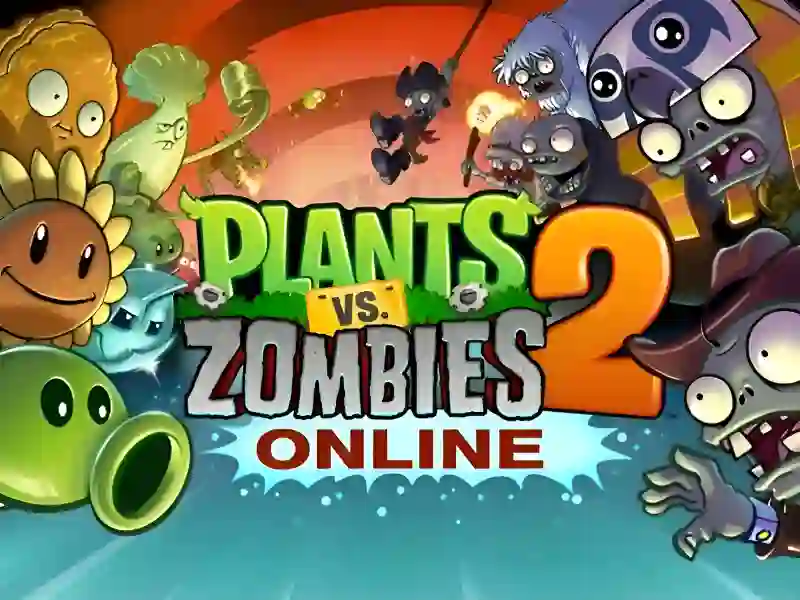
Plants vs Zombies Online 2 is a dynamic strategy game in the Tower Defense genre, where your main goal is to protect your home and garden from the invasion of the living dead, using Plants vs zombies And Flowers You will take on the role of a strategic gardener who travels through time with Crazy Dave. This version is reminiscent of hits like Plants Vs Zombies Unblocked And Angry Plants Fighting Enjoy the game directly in your browser on your PC or mobile device.
Basic gameplay
You need to plant combat vegetation on the lawn cells to stop the waves of zombies. First you need to plant sunflowers, which generate solar energy — the main resource for purchasing other defenders. Place pea shooters for attack, nuts for defense, and potato mines for emergency explosions.
Levels and goals
The game is divided into thematic eras: from Ancient Egypt to the Far Future. Each level offers unique conditions, such as tombstones that interfere with shooting or icy winds. The goal is always the same — not to let any zombies reach the end of the path, otherwise they will eat your brains.
How to play
Your success depends on your reaction speed and planning. Always start by filling the back row with sunflowers (at least one vertical row) to avoid running out of resources mid-battle.
Life hack: use fertilizer (Plant Food) to instantly strengthen the plant at a critical moment. For example, a pea shooter under fertilizer turns into a powerful machine gun that can stop even Gargantua.
Controls in Plants vs. Zombies 2
For personal computers:
- Mouse: Select seeds from the menu and drag them onto the lawn.
- Left mouse button (LMB): collect falling suns and coins.
- Esc key: Quickly exit to the pause menu.
For smartphones and tablets:
- Tap on the screen: select a plant and indicate the cell for planting.
- Swipe or tap: collect resources and use bonuses.
FAQ — frequently asked questions
Do I need to register to save progress?
In the HTML5 version on SGameS, progress is usually saved in your browser's cache, so registration is not required to play.
What devices does the game work on?
You can run it on any modern device with browser support, be it a Windows computer, Mac or a smartphone on Android and iOS.
Play SGameS without installation on PC and smartphones. Protect your garden from zombies right now in your browser!