

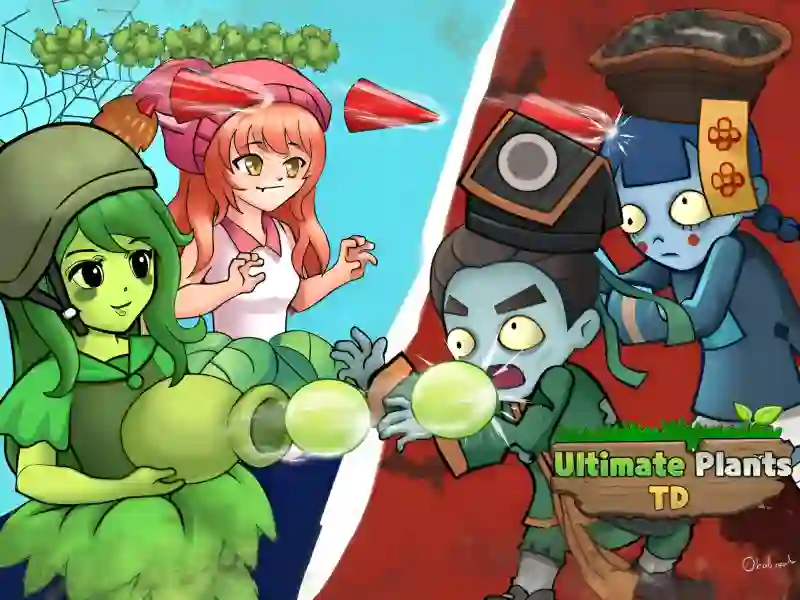
About Ultimate Plants TD
Ultimate Plants TD is a strategy game in the tower defense genre, dedicated to the classic confrontation in the style Plants vs zombies You act as a master gardener and strategist, whose task is to save your home from the invasion of the hungry Zombie In terms of game mechanics and visual execution, the project is reminiscent of such hits as Zombies vs. Sunflowers And Plants vs Zombies – Travel Nostalgic Mirage The game works perfectly in modern browsers on PCs, smartphones and tablets, without requiring downloading unnecessary files.
Basic gameplay
What to do
Your mission is to protect the territory from the advancing waves of the undead. You need to plant different types of combat plants along the path of your enemies. Each unit has unique characteristics: some deal quick damage to single targets, others slow down enemies with cold, and others explode, destroying an entire group of the dead. Use your resources wisely to create a balanced army that can stop even the toughest monsters.
Levels and goals
The game consists of a set of levels with gradually increasing difficulty. At each stage, you need to successfully repel several waves of attack, without allowing a single zombie to reach the end of the path. The ultimate goal is to progress through the entire campaign, unlocking the most powerful plant species and defeating the elite bosses that appear at the end of each chapter.
How to play
Start your defense by installing units that bring solar energy, since without it you will not be able to expand your army. Try to place attacking plants so that they cover as much of the path as possible. Lifehack: always combine slowing plants with long-range arrows — this will give you more time to destroy the enemy before he gets closer to your defense. Also try to leave room for emergency units, such as cherry bombs, in case of a breakthrough.
Management in Ultimate Plants TD
To play on a computer:
- Use the left mouse button to select a plant card from the menu.
- Left-click on a free cell on the lawn to plant the selected unit.
- Click on falling bonuses or suns to collect them.
To play on a smartphone:
- Click on the plant icon on the bottom or side panel with your finger.
- Touch the desired place on the playing field to place a defense.
- Collect resources with a simple tap on the screen.
FAQ — frequently asked questions
Will my progress be saved if I close the browser?
Yes, your current level and open plants are saved automatically in the browser memory.
Do I need to register to access the game?
No, you can play completely freely without creating an account or entering personal data.
What devices are best to run the game on?
The game is optimized for all platforms, including Android, iOS and Windows, via any updated browser.
Play SGameS without installation on personal computers, modern smartphones and tablets right now!