
Forgotten Hill Disillusion: The library — free online game
Forgotten Hill Disillusion: The library
10 / 10
Loading...
Forgotten Hill Disillusion: The library — free online game
Forgotten Hill Disillusion: The library
Don't like this game?
Tell us why
Continue on your phone
Scan the QR code to open this game on your mobile device
How to play
Forgotten Hill Disillusion: The library — free online game

Forgotten Hill Disillusion: The library

Rating
10 (11 votes)
Technology
HTML5
Platform
Browser (desktop, mobile, tablet)
Screen Orientation
Landscape
Release
May 2022
Last Update
October 2026
Name
Forgotten Hill Disillusion: The library
Category
Quests
Content
Kids-friendly No blood No cruelty

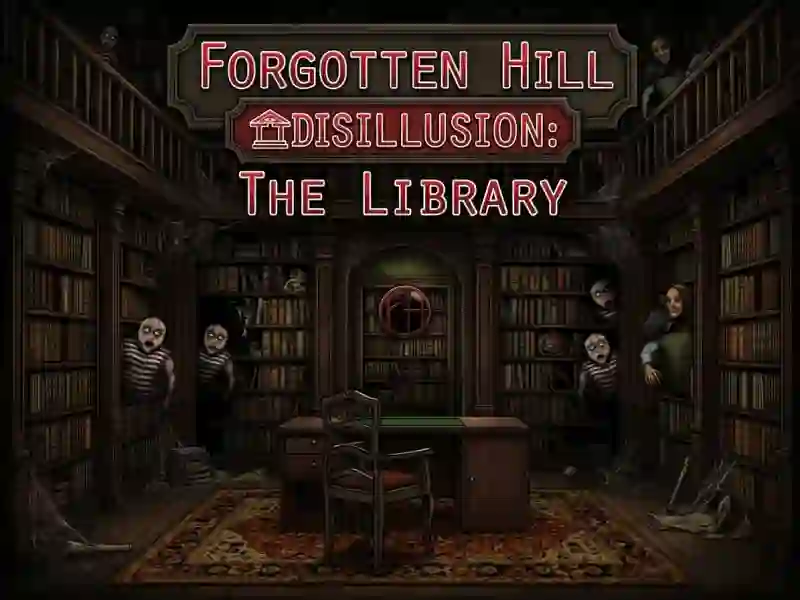
Forgotten Hill Disillusion: The Library - a quest with riddles in the Forgotten Hill Museum

You play as Mr. Larson. A year after escaping from the town, he returns to understand its secrets and put his own head in order. It all starts in the museum library - this is the first and free chapter of the game.

The controls are simple: you point the cursor and click. You look around the room, take items into your inventory, connect them together and use them on doors and mechanisms. You can freely move between screens and zoom in on individual places. The same series is made by FM Studio, its recognizable style is also visible in Forgotten Hill: Surgery.

Why does one action take five steps?

The riddles are linked to each other. Solving one opens up access to the next, so even a seemingly mundane action takes several turns. Reviewers note that you will often have to return to already examined rooms: the clue comes across before the object to which it relates. The same logic works in Forgotten Hill - The Wardrobe Chapter 2 - Two Sisters, another installment in the series.

A notepad to write everything down

The game has a notepad for the clues found - codes, symbols and patterns. It opens from the toolbar. It is inconvenient to keep such notes in your head: some of the problems are based on Roman numerals with addition and subtraction. Some scenes are staged deceptively.


How to play

PC:

  • Left mouse button - inspection
  • Left mouse button - pick up item
  • Click on inventory - select item
  • Click on an object - apply


Smartphones:

  • Touch - inspection
  • Touch - pick up an item
  • Tap on inventory - select item

FAQ — Frequently Asked Questions

Why do you need a notepad?

It contains the found codes, symbols and patterns. It opens from the toolbar. This is convenient because the hint is often found much earlier than the place where it will be useful.

What to do if it is not clear where to use the item?

Return to the rooms you already examined. The tasks are interconnected, and the required mechanism is often on a different screen, and not next to the location of the find.

What comes after the library chapter?

Three paid chapters: Flora and Fauna, Mysteries of the Abyss and Sculptural Art. They continue Mr. Larson's story at the museum and are purchased separately from the free portion.