

About 4GameGround Zombie Coloring
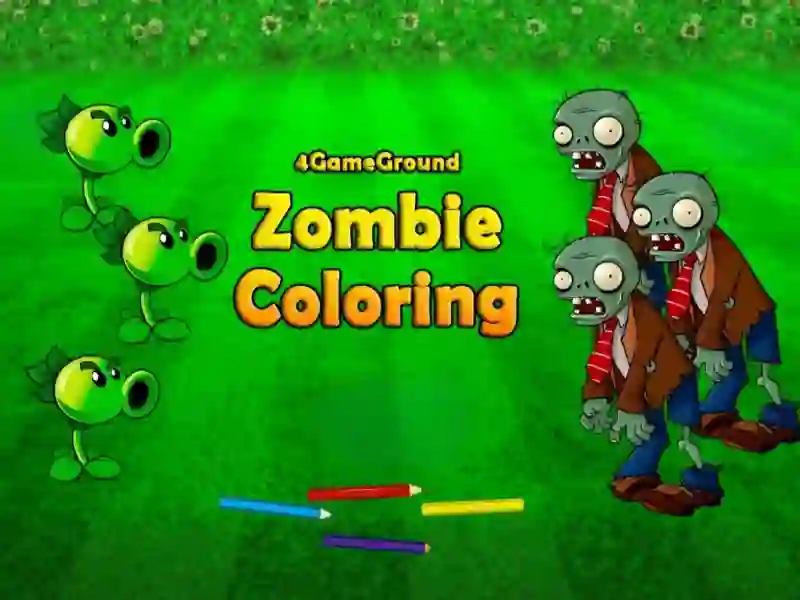
Zombie Coloring Pages (4GameGround Zombie Coloring) is a fun creative game that combines popular Plants vs zombies and classic Coloring pages In this project, you play the role of an artist who will have to breathe life into funny and slightly creepy characters. Your main goal is to turn black and white sketches into vibrant masterpieces using a wide palette of colors. In terms of style and mechanics, this project is reminiscent of such hits as Coloring Book: Sprunki Friends And Coloring Book: Labubu The game is fully cross-platform and available on both PC and mobile devices directly in the browser.
Basic gameplay
At your disposal is a virtual album with images of the walking dead, which are familiar to many fans of the genre. You need to choose colors and carefully paint over the segments of the picture. You can follow classic images from the source or show your imagination by creating completely unique neon or pastel monsters.
Levels and goals
The game offers a series of levels, each with a unique outline design. The main task is to complete the entire collection of pictures. There are no strict timers or penalties, so you can focus on the meditative process of choosing the perfect color combinations.
How to play
To get started, select your favorite sketch from the main menu. On the side or bottom of the screen you will see tools: pencils, brushes or fill. Just click on the color you want and then click on the area you want to paint. If you want to achieve the perfect result, start with large background details, and then move on to small elements of clothing and accessories. One of the main life hacks is to use contrasting colors for the eyes and teeth of the zombies to make them more expressive.
Controls in Zombie Coloring Pages
For personal computers:
- Left mouse button — select a color and apply paint to the canvas.
- Scroll wheel — zooms the image to work out small details.
For smartphones and tablets:
- Touch with a finger — select a tool or color in the palette.
- Swipe and tap — paint selected areas of the picture.
FAQ — frequently asked questions
Do I need to register to save my results?
No registration required, you can play right away. To save your work, simply take a screenshot of your finished drawing at the end of the level.
Can I play on iPhone or Android?
Yes, the game is optimized for mobile browsers and runs stably on most modern smartphones without loss of graphics quality.
Is coloring progress saved?
If you close the tab, the current progress of an unfinished drawing may be reset, so try to finish painting one zombie in one session.
Zombie coloring pages on SGameS — creativity without limits! Play for free online on PC and smartphones without downloading or installation.