

About Plants vs Zombies Coloring
Plants vs Zombies Coloring — creative browser arcade game in categories Plants vs zombies And Drawing games Here you play the role of an artist who has been entrusted with an important mission: to return bright colors to a world engulfed in an eternal confrontation between flora and the undead. The creative process is reminiscent of projects such as 4GameGround Zombie Coloring And Zombies vs. Sunflowers The game works great on personal computers and is also fully optimized for mobile devices based on Android and iOS.
Basic gameplay
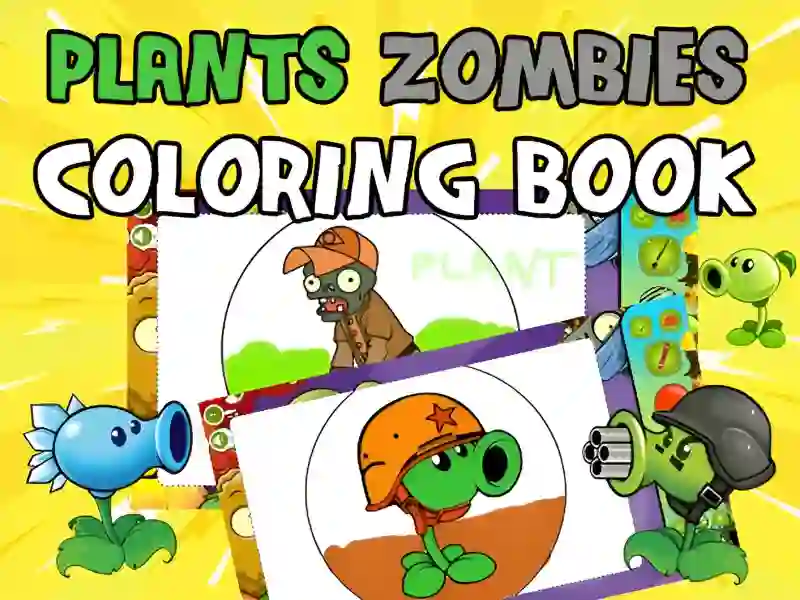
You have to work with a set of black and white sketches that depict familiar characters: from brave pea shooters to funny zombies. Your task is to show your imagination and color the characters using a rich palette of tools. You can follow the classic canon of the series or create completely crazy color combinations, turning an ordinary zombie into a pink fashionista, and a sunflower into a neon defender.
Levels and goals
The game offers a gallery of many different drawings. The main goal is to complete the entire collection of images and save your best work. There are no time limits or enemies to interfere with you, so you can focus on the details and quality of painting of each fragment. Progress is considered complete when each sheet in the album acquires its final colorful appearance.
How to play
Choose your favorite picture from the main menu and start creating. First, decide on a tool: a brush is suitable for free strokes, and a fill will help you quickly paint over large areas. The main life hack: use the zoom function to carefully work out small details, such as zombie eyes or flower petals. Another tip — don't be afraid to experiment with the eraser if you decide to completely change the concept of the drawing.
Controls in Plants vs. Zombies: Coloring Book
On PC:
- Use the left mouse button to select a color on the palette and click on the elements of the picture. Mouse movement imitates the movement of a brush or pencil.
On smartphones:
- Control the process with simple finger touches. Select the desired shade by tapping on the palette and paint over areas by swiping across the screen.
FAQ — frequently asked questions
Is it possible to save my drawing?
Yes, you can take a screenshot or use the built-in download feature to save your finished work to your device.
Do you need artistic skills to play the game?
Not at all, intuitive tools allow users of any age to create beautiful pictures.
Does the game work without the Internet?
It requires an internet connection to run, but once all the elements are loaded, the creative process is smooth and lag-free.
Play SGameS without installation on PC, smartphones or tablets and paint the world of your favorite heroes in the richest colors!